HTTP Status Codes: The Complete List With Fixes (2026)

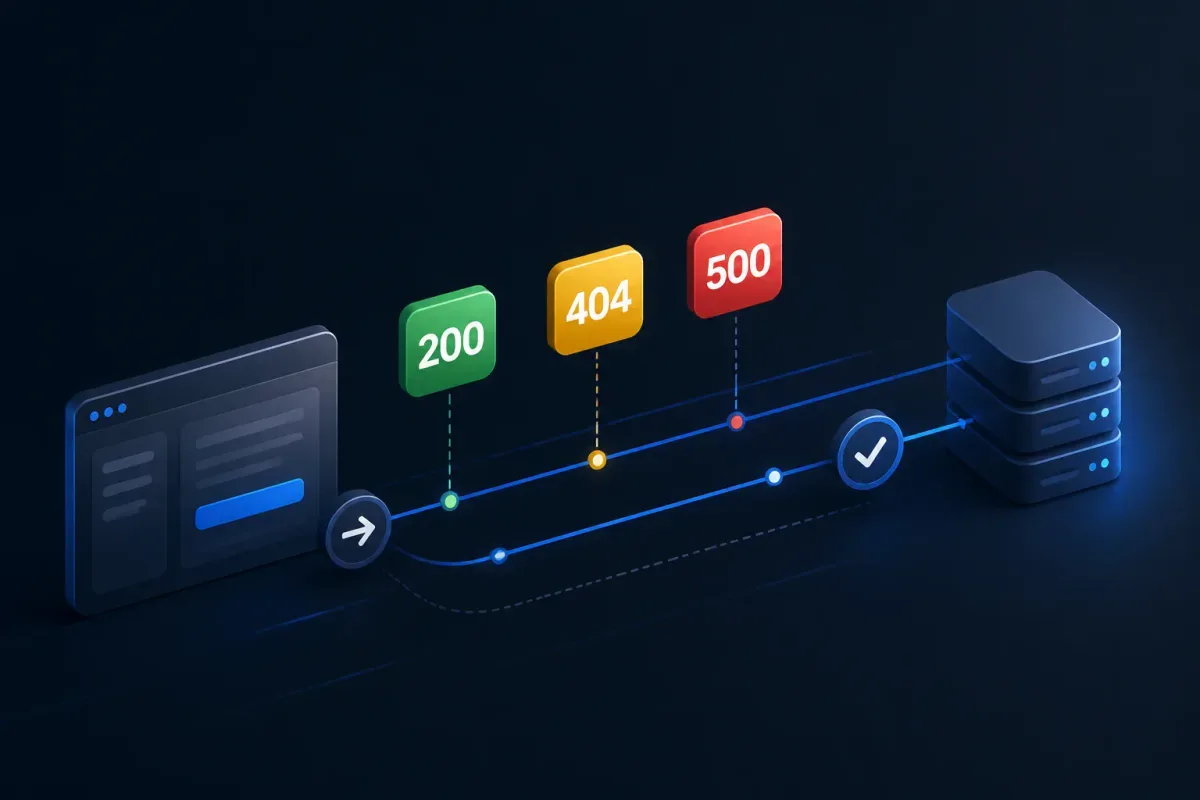
A checkout fails after a gateway change. Your test reports 504, while the browser reports ERR_CONNECTION_RESET. Those are not interchangeable: one is an HTTP response and the other may occur before any HTTP response exists. The number helps only after you identify who emitted it.
HTTP status codes fall into five classes. Capture the exact request, headers, and body; locate the origin, proxy, CDN, gateway, or client that produced the result; then make a reproducible assertion. This is the complete IANA registry-based list of assigned codes and ranges, with a practical first check.
Use this HTTP status-code troubleshooting checklist first
Reproduce the exact request. Save method, URL, query, body, and authentication state. Why: request shape separates malformed input from auth or routing failures.
Capture the response. Save status, headers, body, timestamp, correlation ID, and client. Why: this evidence connects the result to the responsible logs.
Locate the emitter. Establish whether the origin, proxy, CDN, API gateway, or client answered. Why: you cannot fix a gateway 502 in an endpoint handler.
Read action headers. Check
Location,Allow,WWW-Authenticate,Retry-After,Content-Type,Content-Range,ETag, andLast-Modified. Why: they often specify the protocol’s next action.Make the smallest safe retest. Use known-good credentials and minimal input; retry only when the operation and server policy permit it. Why: replaying a non-idempotent operation can duplicate work.
Add a regression assertion. Assert status, decisive headers, and body schema or invariant. Why: a green status can still carry an error page or wrong representation.

Get the Mobile Testing Playbook Used by 800+ QA Teams
Discover 50+ battle-tested strategies to catch critical bugs before production and ship 5-star apps faster.
HTTP status codes at a glance
IANA’s registry assigns status values, while RFC 9110 defines core HTTP semantics. IANA also labels temporary, unused, obsolete, and unassigned entries; never invent a meaning for an unassigned number.
Class | Meaning | First check |
1xx | Request progress or negotiation | Protocol headers and the final response |
2xx | Success or acceptance | Representation, state change, and contract |
3xx | Redirect or cache validation |
|
4xx | Request does not meet the contract | Request shape, auth, and resource state |
5xx | Server, gateway, or upstream failed | Emitting layer and correlation logs |
Complete 1xx status codes
Code | Meaning | Fix or verification |
100 | Continue | Check |
101 | Switching Protocols | Inspect |
102 | Processing (WebDAV) | It is progress, not completion; await the final response. |
103 | Early Hints | Inspect |
104 | Upload Resumption Supported | Temporary; recheck IANA. Registration expires 2026-11-13. |
105–199 | Unassigned | Do not assign meanings. |
Complete 2xx status codes
Code | Meaning | Fix or verification |
200 | OK | Assert content type and business content, not status alone. |
201 | Created | Assert the representation or required |
202 | Accepted | Test the polling or job-status contract; it is not completion. |
203 | Non-Authoritative Information | Check for an intermediary-transformed representation. |
204 | No Content | Assert empty-body client handling. |
205 | Reset Content | Assert the specified client reset behavior. |
206 | Partial Content | Check |
207 | Multi-Status (WebDAV) | Assert every item result. |
208 | Already Reported (WebDAV) | Verify duplicate-binding behavior. |
209–225 | Unassigned | Do not assign meanings. |
226 | IM Used | Verify the instance-manipulation/cache contract. |
227–299 | Unassigned | Do not assign meanings. |
Complete 3xx status codes
Code | Meaning | Fix or verification |
300 | Multiple Choices | Inspect choices and the client’s selection. |
301 | Moved Permanently | Check |
302 | Found | Check |
303 | See Other | Verify the client follows the separate result. |
304 | Not Modified | Check validators; do not expect a representation body. |
305 | Use Proxy | Registry entry; not ordinary application guidance. |
306 | Unused | Do not assign an operational meaning. |
307 | Temporary Redirect | Check |
308 | Permanent Redirect | Check |
309–399 | Unassigned | Do not assign meanings. |
Keep crawler behavior separate from HTTP semantics
Google’s crawler guidance treats 301 as a strong signal, 302 as weak, 307 like 302, and 308 like 301 for Google’s systems. That does not redefine the protocol for your client. Google also says a 2xx result does not guarantee indexing; test meaningful content to catch a 200 error page that becomes a soft 404.
Complete 4xx status codes
Code | Meaning | Fix or verification |
400 | Bad Request | Minimize the request; inspect syntax, framing, query, and body. |
401 | Unauthorized | Inspect |
402 | Payment Required | Follow the API’s own contract; no universal convention exists. |
403 | Forbidden | Check policy, role, tenant, ownership, and authorization. |
404 | Not Found | Check route, identifier, environment, deployment, and visibility. |
405 | Method Not Allowed | Read |
406 | Not Acceptable | Compare |
407 | Proxy Authentication Required | Inspect |
408 | Request Timeout | Inspect idle connection and deadline logs before retrying. |
409 | Conflict | Refresh version state and resolve under the API contract. |
410 | Gone | Remove stale references or use the documented replacement. |
411 | Length Required | Check |
412 | Precondition Failed | Check conditionals and resource version. |
413 | Content Too Large | Reduce or chunk only when supported; check proxy limits. |
414 | URI Too Long | Shorten path/query or move supported data into the body. |
415 | Unsupported Media Type | Match |
416 | Range Not Satisfiable | Check |
417 | Expectation Failed | Correct or remove unsupported |
418 | Unused | Do not build a general fix around the teapot meme. |
419–420 | Unassigned | Do not assign meanings. |
421 | Misdirected Request | Check authority, TLS/SNI, connection reuse, and routing. |
422 | Unprocessable Content | Assert field-level semantic validation errors. |
423 | Locked (WebDAV) | Check lock ownership and state. |
424 | Failed Dependency (WebDAV) | Inspect the earlier dependent action. |
425 | Too Early | Check replay risk and early-data policy. |
426 | Upgrade Required | Inspect |
427 | Unassigned | Do not assign a meaning. |
428 | Precondition Required | Add the required conditional request. |
429 | Too Many Requests | Reduce rate and respect |
430 | Unassigned | Do not assign a meaning. |
431 | Request Header Fields Too Large | Reduce cookies/headers and check intermediary limits. |
432–450 | Unassigned | Do not assign meanings. |
451 | Unavailable For Legal Reasons | Read the service’s legal or policy disclosure. |
452–499 | Unassigned | Do not assign meanings; NGINX 499 is not an IANA response code. |
401 versus 403: 401 lacks acceptable authentication and should be read with WWW-Authenticate; 403 recognizes the identity but refuses the action. Test missing, expired, malformed, and insufficient-scope credentials separately.
404 versus 410: 404 does not establish permanence. A 410 says the resource is intentionally gone. Assert the lifecycle behavior your API documents.
Complete 5xx status codes
Code | Meaning | Fix or verification |
500 | Internal Server Error | Capture correlation ID, inspect origin logs, and fix the failure. |
501 | Not Implemented | Use or implement a supported capability. |
502 | Bad Gateway | Locate the gateway; inspect upstream response and connection logs. |
503 | Service Unavailable | Check overload, maintenance, readiness, and dependencies. |
504 | Gateway Timeout | Compare gateway and upstream deadlines; repair latency or mismatch. |
505 | HTTP Version Not Supported | Negotiate a supported version; check intermediaries. |
506 | Variant Also Negotiates | Inspect transparent content-negotiation configuration. |
507 | Insufficient Storage (WebDAV) | Check capacity or quota. |
508 | Loop Detected (WebDAV) | Inspect binding or traversal loops. |
509 | Unassigned | Do not assign a general meaning. |
510 | Not Extended | Obsolete; not a current fix target. |
511 | Network Authentication Required | Check captive-portal/network authentication, not app login. |
512–599 | Unassigned | Do not assign meanings. |
For 502 and 504, Cloudflare’s documentation says to establish whether Cloudflare or the origin generated the response. For 503 and 429, Retry-After can be a date or delay; MDN documents its use with temporary unavailability and redirects. Cap retries and never blindly replay a non-idempotent request.
NGINX 499 is an implementation-specific log status
NGINX 499 is not a standard HTTP response. An NGINX maintainer explanation describes it as a client closing a request before NGINX generated a response, often while it waited for an external result. Investigate client disconnects, upstream latency, and timeout alignment.
Debug an HTTP status code in Chrome DevTools
Open Network before reproducing. You need the request capture.
Trigger the same action. Reload or repeat the call with the same state.
Select the request row. Record Status, Type, Initiator, Size, and Time.
Inspect Headers, Response, Initiator, and Timing. Find input differences, redirects, and slow phases.
Save a test fixture. Preserve method, URL, auth, headers, body, and expected assertions.
Chrome’s Network panel documentation covers these views. If you need to formalize the fixture, see this guide to writing test cases.
Test status codes in API and mobile-app workflows
Define method, URL, authentication state, headers, query/body, expected status, expected headers, and expected body schema or invariant. Add a valid case, the relevant negative case, and a bounded-retry assertion where temporary failure is expected.
In mobile testing, assert the backend result alongside the visible UI outcome. Quash is our product; its mobile API-testing guide describes combining app actions, backend validations, and run evidence. Whatever tool you use, a passing UI does not prove the backend accepted the intended request.
HTTP status code versus browser or network error
A browser error is not automatically an HTTP status code. Chrome lists ERR_NAME_NOT_RESOLVED, ERR_CONNECTION_TIMED_OUT/ERR_TIMED_OUT, ERR_CONNECTION_RESET, ERR_CONNECTION_REFUSED, and ERR_EMPTY_RESPONSE in its error-message help. If no HTTP response arrived, record the browser error, DNS or connection evidence, timestamp, URL, and network context instead.
Conclusion
Use the registry to establish what a number can mean, but let the captured request and emitting layer decide the fix. When you can reproduce the failure and assert the status, headers, and body together, you have a diagnosis the next release can verify.
FAQ
What is the most common HTTP status code?
There is no universal answer. It depends on redirect handling, final-response counting, connection failures, and the population measured. A 2026 Enterno study explains why a monitoring sample is not the whole web.
What is the difference between 4xx and 5xx?
A 4xx says the request does not meet the target’s contract; a 5xx says a server, gateway, or upstream could not fulfil an apparently valid request. Either class can come from an intermediary.
Should every error be retried?
No. Consider method safety, idempotency, server policy, the status, and Retry-After. Use bounded retries only for conditions your contract defines as temporary.
Is 499 a standard HTTP status code?
No. It is an NGINX-specific log status, not an assigned IANA HTTP status code.
Does 200 guarantee indexing?
No. Google says a 2xx result does not guarantee indexing, and an error-like page served with 200 can be classified as a soft 404.
Continue reading
More articles from the Quash editorial desk.