No-Code Test Automation: Myth vs Reality (2026 Guide)


The uncomfortable truth most teams discover too late
Here’s the part most teams only realise after they’ve already committed: no-code test automation doesn’t remove complexity — it just delays it.
At the beginning, it feels like the perfect solution. You move fast, automate quickly, and finally reduce the dependency on engineering. For a while, everything works exactly as promised.
But as your product evolves, edge cases start appearing. Workflows become less linear. Your test suite grows. And slowly, the limitations begin to show.
This isn’t because no-code failed. It’s because it was never meant to handle everything.
So the real question isn’t whether no-code is good or bad. It’s this: where does it actually work — and where does it break down?

Get the Mobile Testing Playbook Used by 800+ QA Teams
Discover 50+ battle-tested strategies to catch critical bugs before production and ship 5-star apps faster.
What no-code test automation actually means
The term “no-code” is slightly misleading.
It doesn’t mean no effort, and it definitely doesn’t mean no thinking. It simply means you’re not writing traditional code in languages like Python or JavaScript.
But everything else still remains.
You still need to design test cases. You still need to define what success looks like. You still need to debug failures and maintain tests as your application changes. When something breaks, someone still needs to figure out why.
In practice, no-code tools remove syntax — not complexity.
A more accurate way to think about it is this: you’re not writing code, but you are still thinking like someone who understands testing. That’s what makes no-code powerful, but it’s also where expectations often go wrong.
The real tradeoff: speed now vs complexity later
No-code tools are undeniably fast at the start.
You can set up quickly, automate core workflows, and show visible progress within weeks. For teams trying to validate automation or reduce manual effort early, this speed matters.
But over time, something shifts.
As your testing needs grow, you begin to encounter scenarios that aren’t as straightforward. You need conditional logic. You need to test different user states. You need to validate integrations, APIs, and backend systems. And suddenly, what was once simple starts becoming harder to manage.
Small UI changes begin breaking multiple tests. Fixing them requires manual effort across flows. Workarounds pile up.
Meanwhile, code-based automation — which felt slow at the beginning — starts becoming more efficient. Reusability kicks in. Debugging becomes clearer. Maintenance becomes structured.
The tradeoff becomes obvious.
No-code doesn’t eliminate engineering effort. It shifts when you experience it.
Where no-code test automation actually works
When used in the right context, no-code is extremely effective.
It performs best in environments where workflows are stable, predictable, and largely linear. Regression testing is the clearest example. When you’re validating core user journeys — logging in, completing a transaction, or using a primary feature — no-code tools can automate these flows quickly and reliably.
For teams considering these workflows, No-Code Test Automation: Myth vs Reality clarifies why stable, repeatable paths are safer candidates for automation than complex implementation work.
They’re also valuable when teams need quick wins. Instead of spending weeks setting up frameworks, teams can automate a meaningful portion of their testing in a short time and start seeing returns early.
Another important advantage is accessibility. No-code allows non-technical stakeholders — like product managers or business analysts — to participate more directly in defining and validating test scenarios.
And finally, no-code is useful for experimentation. It provides a low-risk way to test automation before committing to more complex infrastructure.
Where no-code starts to break down
The limitations of no-code don’t show up immediately. They emerge as complexity increases.
The first friction point is logic. As soon as workflows involve multiple conditions, branching paths, or dynamic behaviour, no-code tools start to feel restrictive.
Then comes integration. Most no-code platforms are designed primarily for UI testing, while modern applications rely heavily on APIs, microservices, and backend systems. Testing these layers effectively requires deeper control.
Scaling introduces another challenge. As test suites grow, maintenance overhead increases. Changes in the application can require updates across multiple tests, making the system harder to manage over time.
Debugging also becomes a bottleneck. Limited logs and black-box execution make it difficult to understand failures. While newer tools are improving visibility with logs, sessions, and diagnostics, this gap still exists compared to code-based approaches.
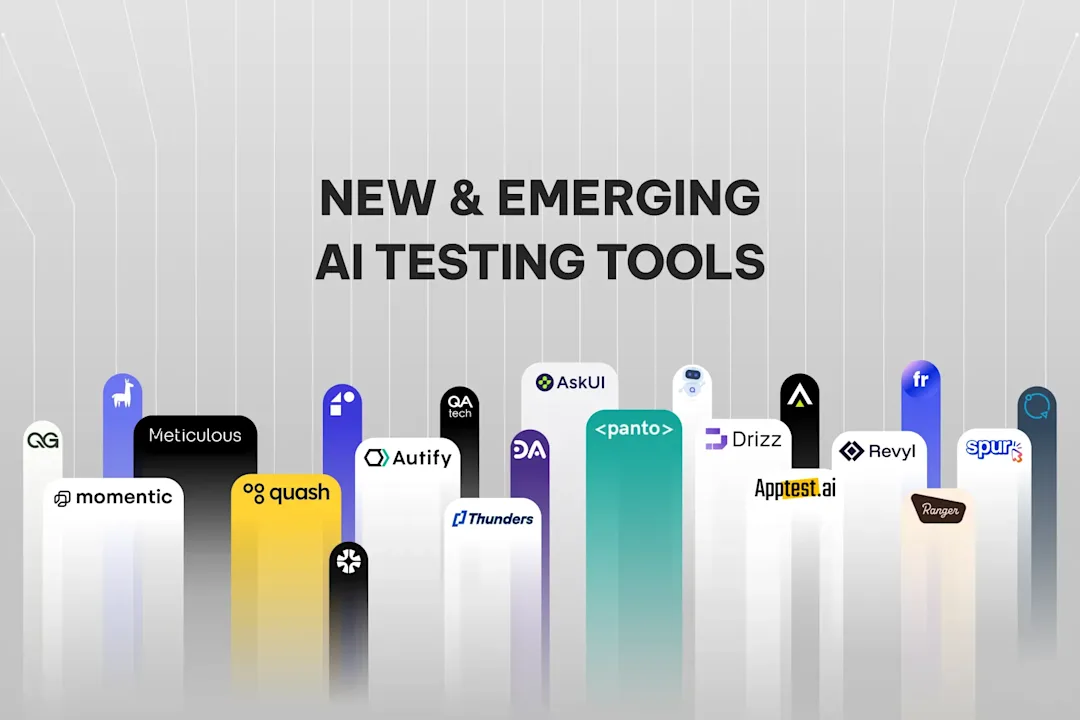
At the same time, the broader QA ecosystem is evolving. AI-powered testing tools are reducing manual effort through self-healing and automation, significantly lowering maintenance overhead and accelerating execution cycles.
And finally, there’s control. With no-code tools, your tests are tied to the platform. Migrating or adapting them later can be difficult, creating long-term dependency.
The hybrid approach: what actually works in practice
In reality, most mature teams don’t rely entirely on one approach.
They combine no-code and code-based automation based on what each does best.
No-code is used for fast, reliable UI regression and business-critical workflows. Code-based automation handles complex logic, integrations, and systems that require flexibility and scale.
This balance allows teams to move quickly without sacrificing long-term control.
Increasingly, the conversation is also shifting beyond this binary choice. Modern QA tools are combining natural language automation with deeper debugging, logs, and system-level visibility — bridging the gap between ease of use and technical depth.
The future isn’t about choosing between no-code and code. It’s about using both intelligently.
Who should actually use no-code
No-code works best for teams that prioritise speed and accessibility.
If your testing needs are primarily UI-based, your workflows are linear, and your goal is to get quick automation wins without heavy engineering investment, no-code can be highly effective.
However, if your product involves complex workflows, backend dependencies, or long-term scalability requirements, relying entirely on no-code will eventually create friction.
The key is understanding not just your current needs — but how your system will evolve.
Common myths about no-code automation
One of the biggest misconceptions is that no-code requires no technical skill. In reality, while it removes coding syntax, it still requires strong test design and analytical thinking.
Another common belief is that no-code is always faster. While it accelerates initial setup, long-term efficiency often depends on how well the system scales.
There’s also the idea that no-code can handle all testing needs. In practice, it works best for UI regression and struggles with deeper system validation.
And finally, there’s the assumption that no-code replaces QA engineers. In reality, it shifts their role toward strategy, system design, and quality ownership rather than eliminating it.
How to evaluate no-code tools the right way
A practical starting point is evaluating no-code and low-code platforms, because capabilities and trade-offs vary by team and application.
Before starting a trial, use this practical comparison of nine no-code mobile testing platforms to check whether each workflow fits the criteria above.
The most reliable way to evaluate no-code tools isn’t through feature lists — it’s through real usage.
Start by identifying real test cases from your workflow, including both simple and moderately complex scenarios. Test multiple tools against these cases and observe not just how easy they are to use, but how they handle edge cases and maintenance.
Build a small test suite and integrate it into your workflow. Pay attention to how your team interacts with the tool, how failures are handled, and how much effort is required to maintain tests over time.
Within a few weeks, the answer becomes clear. Either the tool fits naturally into your workflow — or it starts creating friction early.
The bottom line
No-code test automation isn’t a myth — but it’s not a complete solution either.
It works extremely well in the right context. It enables speed, accessibility, and quick wins. But it also comes with clear limitations around complexity, scale, and flexibility.
The most effective teams don’t treat it as a replacement for code. They treat it as one part of a broader testing strategy.
Because in the end, it’s not about choosing the easiest tool. It’s about choosing the right approach for the problem you’re solving.
Frequently Asked Questions
Is no-code test automation completely code-free?
Not entirely. While you don’t write traditional code, you still need to understand testing logic, debugging, and system behaviour to use it effectively.
Can no-code tools replace traditional automation frameworks?
For teams weighing visual tooling against code-heavy automation, Postman vs REST Assured shows how API testing choices affect collaboration, maintenance, and repeatability.
No. They complement them. Most teams eventually adopt a hybrid approach to handle both simple and complex testing needs.
When should a team move from no-code to code-based automation?
Typically when test complexity increases — such as needing integrations, backend validation, or scalable test architecture.
Are AI-powered testing tools replacing no-code?
Not replacing, but evolving it. AI is enabling more flexible, adaptive testing systems that reduce maintenance and improve coverage, rather than relying purely on rigid workflows.
Continue reading
More articles from the Quash editorial desk.