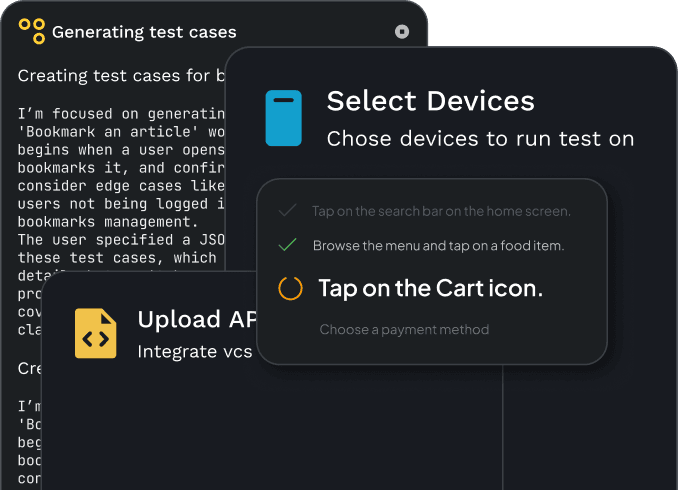
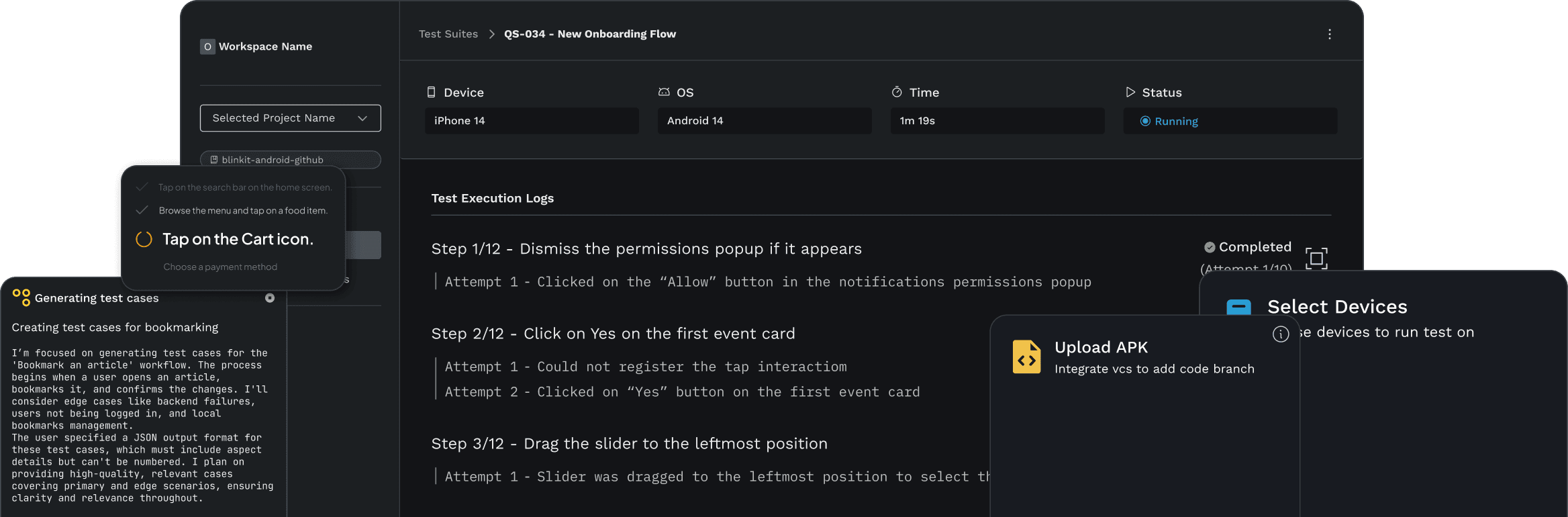
Test your web app from UI to network. No scripts required.
Describe a user journey in plain English. Quash runs it in a real browser, validates outcomes, and captures console errors, network errors, screenshots, and recordings.
.webp?tr=q-80,f-auto:w-3840,c-at_max)
Automated web app testing that goes beyond the UI
Test complete web journeys, not just clicks
Mahoraga runs login, forms, navigation, and checkout flows in a real browser, adapting to interface changes without predefined scripts.
See what happened on screen and behind it
Every run captures screenshots, recordings, console errors, and network errors, giving your team the evidence to investigate failures.
From user actions to browser-level evidence
From user actions to browser-level evidence

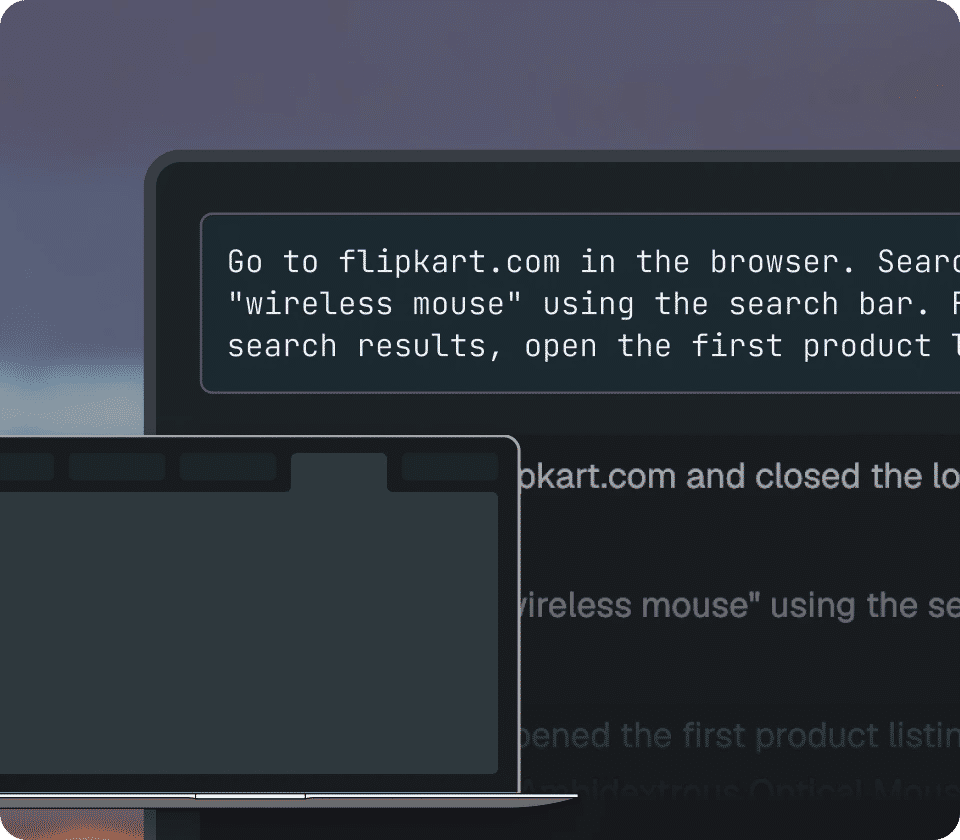
Describe what your web app should do
Tell Mahoraga what to test, from login to checkout. It uses your instructions, saved credentials, and website context to execute the journey without scripts or selectors.
Describe what your web app should do
Tell Mahoraga what to test, from login to checkout. It uses your instructions, saved credentials, and website context to execute the journey without scripts or selectors.

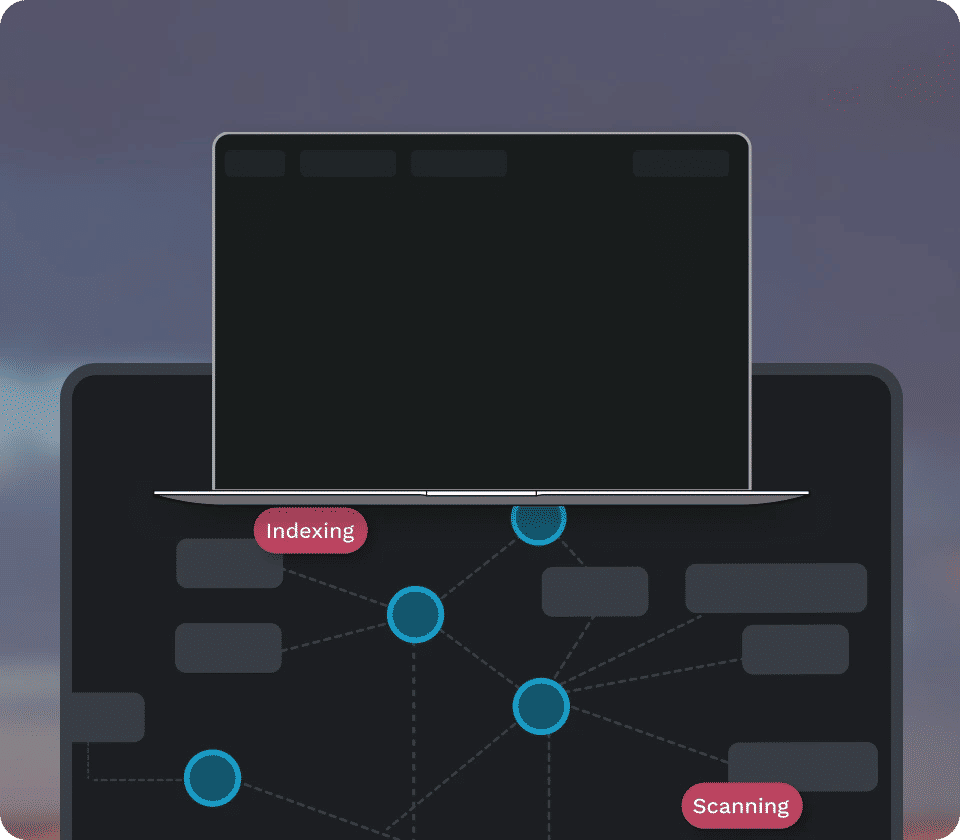
Execute and validate in a real browser
Mahoraga navigates pages, interacts with elements, and checks expected outcomes while capturing console and network errors behind the scenes.
Execute and validate in a real browser
Mahoraga navigates pages, interacts with elements, and checks expected outcomes while capturing console and network errors behind the scenes.

Trace failures to the exact step
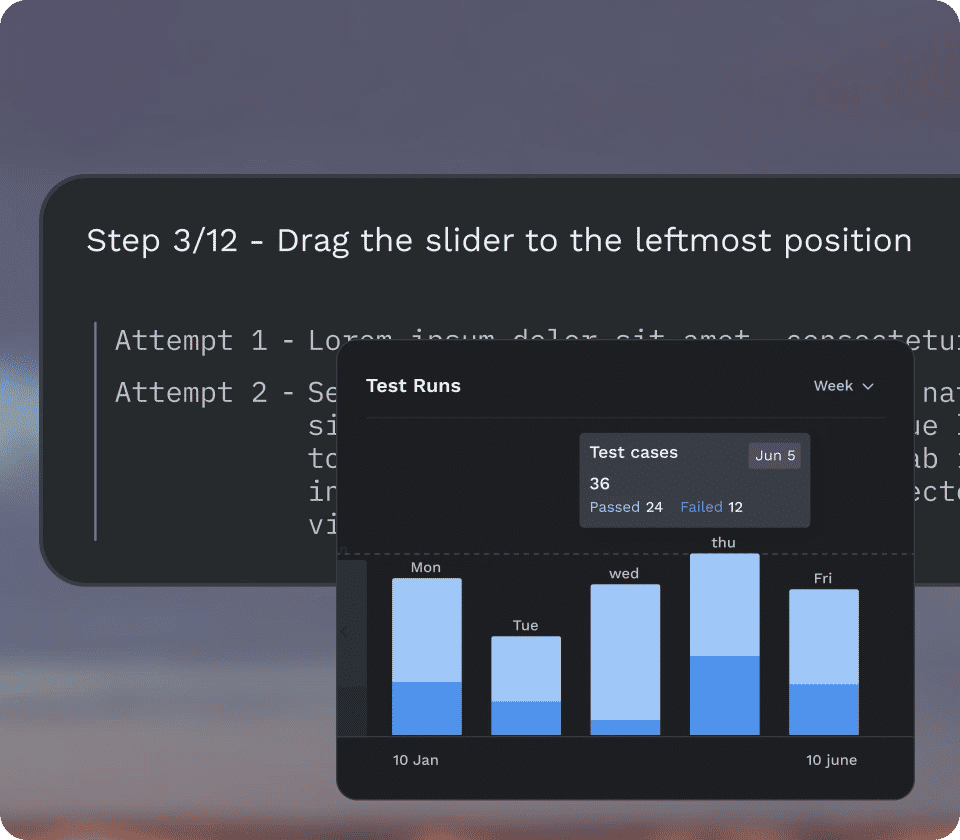
Review browser actions, screenshots, recordings, and captured errors to understand where a test failed without repeating the journey.
Trace failures to the exact step
Review browser actions, screenshots, recordings, and captured errors to understand where a test failed without repeating the journey.
What your web testing team gets back
What your web testing team gets back
Use scripts where they work. Use AI when the UI changes.
Quash reuses stable flows as scripts and brings in AI only when the interface changes or the journey needs to adapt. That keeps execution reliable while saving time and cost on every run.
Understand failures without reproducing them
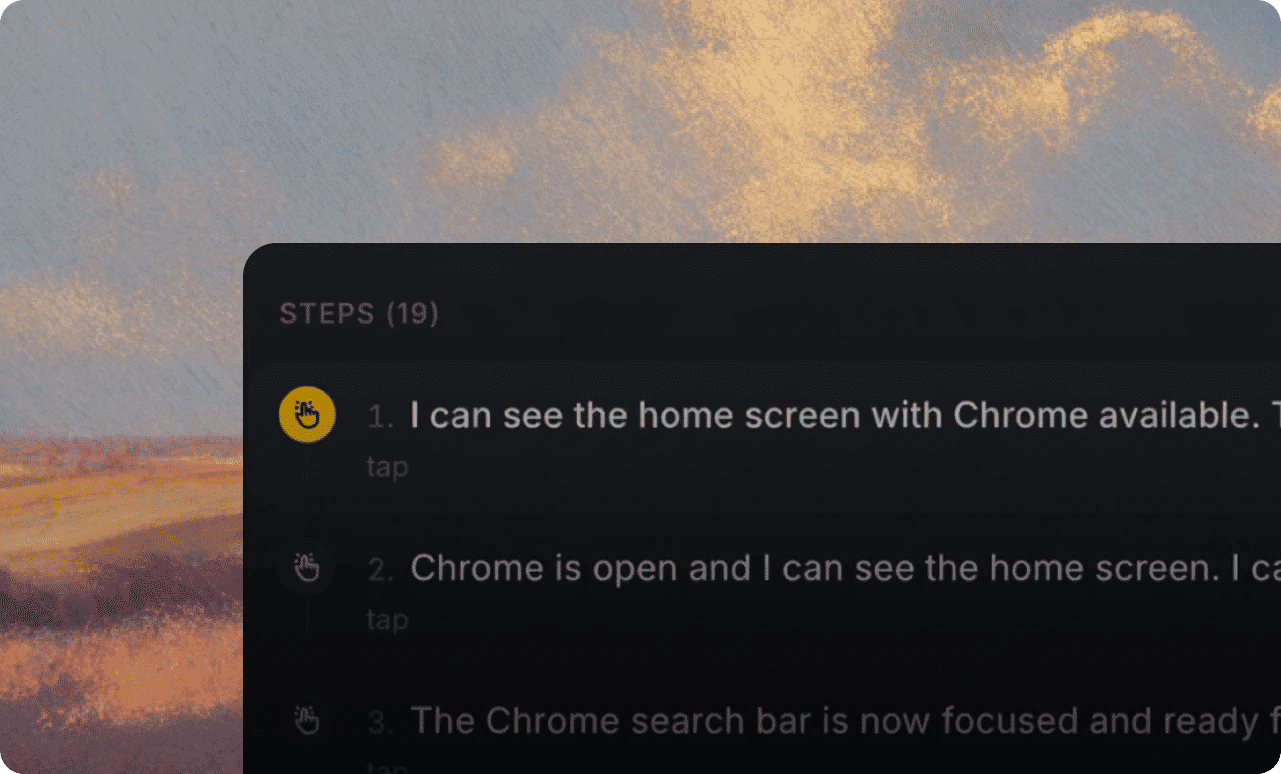
Give developers the execution steps, recordings, and browser errors they need to investigate what went wrong.
Keep critical web journeys covered
Run important flows like login, checkout, and forms regularly, so your team can focus on new changes and real failures.
Everything you need for web app testing
Everything you need for web app testing
Real browser execution
Run multi-step user journeys in connected browsers, from authentication and navigation to form submissions and checkout.
Console error capture
Capture browser console errors to identify JavaScript failures and other client-side issues during testing.
Network error visibility
Detect network errors and failed requests that affect web app functionality.
Screenshots and recordings
Review step-by-step screenshots, recordings, and timestamps to understand exactly what happened during execution.
Reusable website context
Give Mahoraga knowledge of your site's navigation, authentication, and key flows to use in future tests.
Automated regression workflows
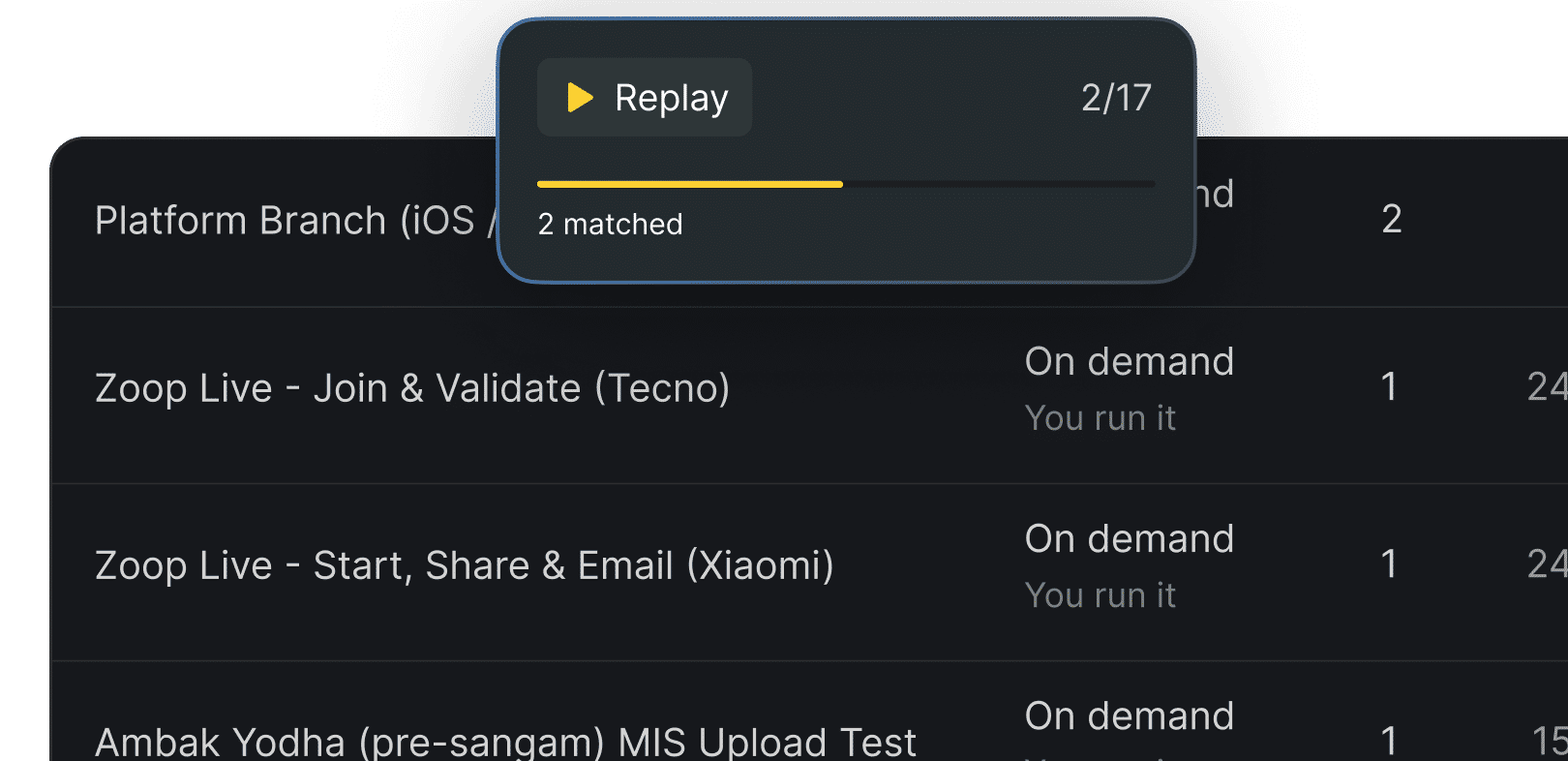
Save web tests as Runbooks and execute them on demand, on a schedule, or through CI.
Real browser execution
Run multi-step user journeys in connected browsers, from authentication and navigation to form submissions and checkout.
Console error capture
Capture browser console errors to identify JavaScript failures and other client-side issues during testing.
Network error visibility
Detect network errors and failed requests that affect web app functionality.
Screenshots and recordings
Review step-by-step screenshots, recordings, and timestamps to understand exactly what happened during execution.
Reusable website context
Give Mahoraga knowledge of your site's navigation, authentication, and key flows to use in future tests.
Automated regression workflows
Save web tests as Runbooks and execute them on demand, on a schedule, or through CI.

One platform, three jobs
One platform, three jobs


How Quash differs from script-based web testing
How Quash differs from script-based web testing
Traditional automation follows predefined scripts. Quash uses an AI agent to navigate and validate web journeys while capturing browser-level evidence.
Features
Script-based testing
Quash
Test creation
Write scripts and selectors
Describe the journey
UI changes
Manual script updates
Agent adapts to the screen
Execution
Predefined actions
Agent-driven interactions
Console and network errors
Require capture configuration
Captured during execution
Debugging
Depends on reporting setup
Screenshots, recordings, errors
Regression
Maintain and rerun scripts
Reusable, scheduled Runbooks
Features
Script-based testing
Quash
Test creation
UI changes
Execution
Console and network errors
Debugging
Regression
Don't just take our word for it
Don't just take our word for it
Here's what people are saying about Quash













Satyam Rinayat
Symplr
As a developer, working with Quash was an amazing experience.


Arpit Kumar
Aatmunn
I was curious if Quash could select files or open the camera - something not possible with tools like Appium. When I ran the prompt, it actually did it! The ChatGPT-like UI where you just prompt and watch it execute is a standout feature.


Rohan Deora
Amazon
I tried sending an email with Quash using just 'Open Gmail and send an email to this id'. I didn't mention what to click - it used its intelligence for the entire flow. The UI is super friendly and it navigates like an actual user.

Satyam Rinayat
Symplr
As a developer, working with Quash was an amazing experience.
Arpit Kumar
Aatmunn
I was curious if Quash could select files or open the camera - something not possible with tools like Appium. When I ran the prompt, it actually did it! The ChatGPT-like UI where you just prompt and watch it execute is a standout feature.
Rohan Deora
Amazon
I tried sending an email with Quash using just 'Open Gmail and send an email to this id'. I didn't mention what to click - it used its intelligence for the entire flow. The UI is super friendly and it navigates like an actual user.
Need more info?
Need more info?


Your trust is our priority
Your trust is our priority
We blend AI-driven automation with stringent compliance measures, ensuring your data's confidentiality and security.



Test beyond the UI. Catch what users shouldn't find.
Test beyond the UI. Catch what users shouldn't find.