A Modern Guide to API Testing for Mobile Teams in 2026


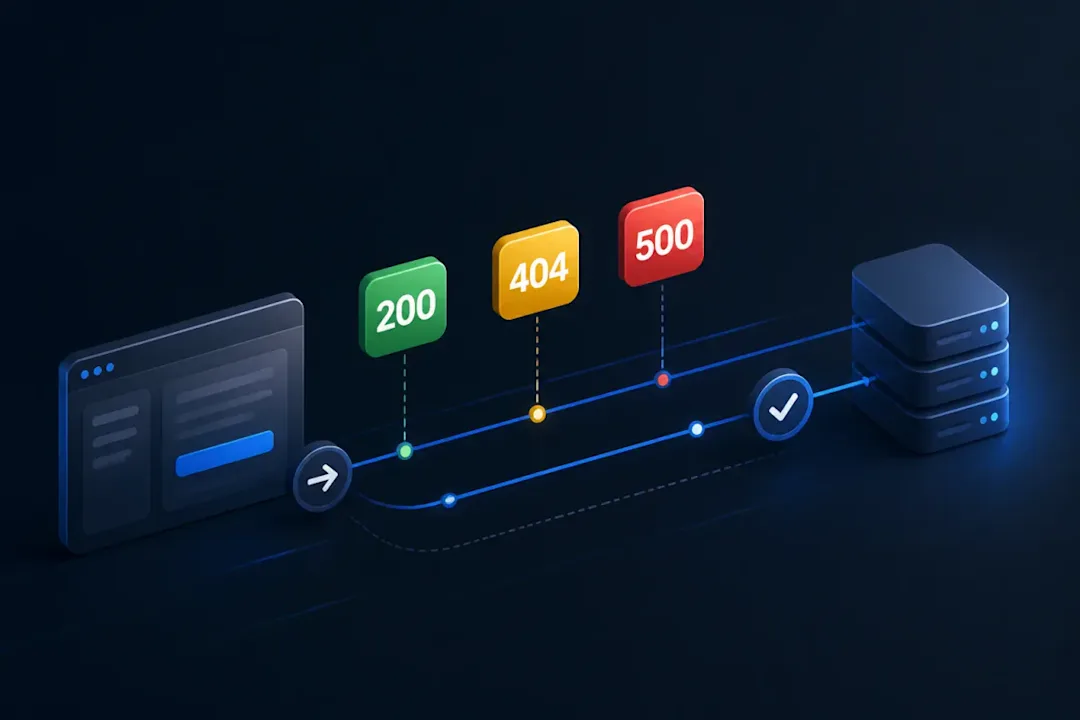
API testing has quietly become one of the most important practices in modern mobile testing. As apps start depending on dozens of backend services, even a simple data mismatch between UI and backend can break entire journeys. Most teams already understand this, but the way backend validations are handled is often outdated, fragile, and disconnected from how real users move through an app.
To keep backend checks aligned with user journeys, teams can expose collections to assistants through Postman MCP Server so API steps can participate in broader automated workflows.
This guide shows how mobile teams can bring API testing into a modern, integrated workflow that connects UI behavior, backend responses, and real application state. It also explains how tools like Quash bring API checks closer to natural user behavior through agentic execution and reusable backend validations.
When cross-layer flows depend on cached state, test local database integrity and offline sync to expose mismatches between backend updates and what users see.
Why API Testing Matters More for Mobile Apps
Mobile apps are lightweight on the surface but heavily dependent on backend behavior. Even the cleanest UI flow can break if an API responds with inconsistent data, slow responses, or unexpected payload structures.
Stronger API testing leads to:
Faster detection of functional issues before on-device tests run
Reduced flakiness in mobile test suites
Clearer debugging paths because backend logs and responses are visible
Higher confidence before releasing to production
Better alignment between UI and actual server-side state
For teams dealing with device fragmentation and slow end-to-end cycles, shifting more validation into API checks eliminates a huge amount of noise.

Get the Mobile Testing Playbook Used by 800+ QA Teams
Discover 50+ battle-tested strategies to catch critical bugs before production and ship 5-star apps faster.
What Modern API Testing Should Look Like
Many teams validate simple status codes and payloads. Modern API testing goes much deeper.
Contract Testing
APIs evolve frequently, and breaking contracts is one of the top causes of mobile regressions. Modern setups validate:
Request and response structure
Required fields and types
Stable payload shapes
Backwards-compatible changes
This prevents issues that only surface when the mobile app consumes a new API version.
Data Integrity and Cross-Layer Testing
In most real-world scenarios, the UI triggers backend behavior. A user taps “Add to Cart”, and an API updates the backend. The app then renders data based on the new state.
Quash handles this through backend validations, where the AI agent interacts with the UI and simultaneously verifies the backend response at the right moment. This ensures:
That capability matters because why a passing UI flow can still hide a backend failure can expose response-level defects before they appear as visible UI errors.
What the app shows matches what the backend responded with
Database or API state updates are correct
Sequenced flows like login, listing, cart and checkout behave consistently
This eliminates the traditional silo where UI tests run blind to what actually happened behind the scenes.
Performance and Reliability Checks
A slow or inconsistent API can ruin the entire app experience. Teams validate:
Response time
Rate limits
High-error endpoints
Consistent payloads across sessions
Quash supports configurable timeouts, retries and backoff inside validations so teams can test reliability patterns without writing custom scripts.
Edge Cases and Negative Testing
Critical tests include:
Invalid tokens
Expired sessions
Missing data
Broken payloads
Incorrect sequences
Quash lets testers create reusable validations for these conditions, making them easy to call directly in natural language prompts or attach to test suites.
How Quash Brings API Testing Into Real Mobile Flows
Traditional API testing tools work in isolation. Quash blends API checks directly into the on-device flow using two core components:
1. Backend Connections
A backend connection defines where your API lives and how to authenticate. You configure:
Base URL
Authentication (No Auth, Bearer Token, API Key, custom headers)
Environment (dev, stage, prod)
Every validation under a connection inherits the same configuration, which keeps your setup clean and consistent.
2. Validations
A validation is a specific backend check that runs during a test. It defines:
The exact API to call
The request details (method, path, headers, query params)
The expected response (status code, JSON fields, regex patterns)
Optional variable extraction
Optional retry and timeout logic
Once created, a validation can be reused across tasks, suites or test flows. This keeps backend testing structured instead of re-written across multiple tests.
Using Validations While the AI Agent Interacts With the App
This is where agentic testing becomes uniquely powerful. Validations can be triggered in two ways:
A. Inside a Prompt
Type @ inside a Quash task prompt and select the validation you want to run.
Example: “Open the app, go to the Products screen, validate the UI count, then run @get_products to confirm the backend returns the correct list.”
The validation runs exactly at that point in the execution, which means UI behavior and backend state stay aligned.
B. Task-Level Settings
You can attach validations before or after the test execution. This is useful for:
Pre-run data setup
Post-run consistency checks
Multi-step backend assertions
This creates a more robust test plan without cluttering your natural-language prompts.
Where API Testing Fits Into Modern QA Processes
Planning
Define backend contracts
Create reusable validations
Map validations to user flows
Configure connections per environment
Identify backend checks that complement functional testing
Execution
Run validations while the agent performs real actions
Trigger checks only when the UI creates backend changes
Use partial JSON matching for flexible cases
Share extracted variables across steps for dynamic testing
Reporting
View backend responses next to UI logs
Track slow or failing endpoints
See exactly which validations failed
Let AI summarize the likely causes
Combine UI actions, screenshots and backend logs in one place
This end-to-end trace is one of the most valuable outcomes because debugging becomes dramatically easier.
Best Practices for API Testing in Mobile Teams
Use meaningful, reusable validations instead of ad hoc checks
Keep connections organized by environment
Use partial matching and JSON Paths to avoid brittle tests
Pair UI actions with backend validations to catch hidden issues
Include negative tests and edge-case validations
Treat validations as building blocks that grow with your app
Surface backend insights during execution, not only in reporting
Teams that follow this style report fewer regressions, faster test cycles and cleaner debugging loops.
Final Takeaway
Modern mobile testing is no longer just tapping through screens. A reliable app depends on predictable backend behavior, and the fastest way to achieve that is to bring API testing closer to real user flows.
Quash enables this by letting teams pair UI interactions with backend validations, using an agentic approach that checks the true state of the system rather than relying only on what appears on the device. It keeps mobile testing grounded in actual application behavior and upgrades the entire QA process in a way that is easy to scale.
Continue reading
More articles from the Quash editorial desk.