
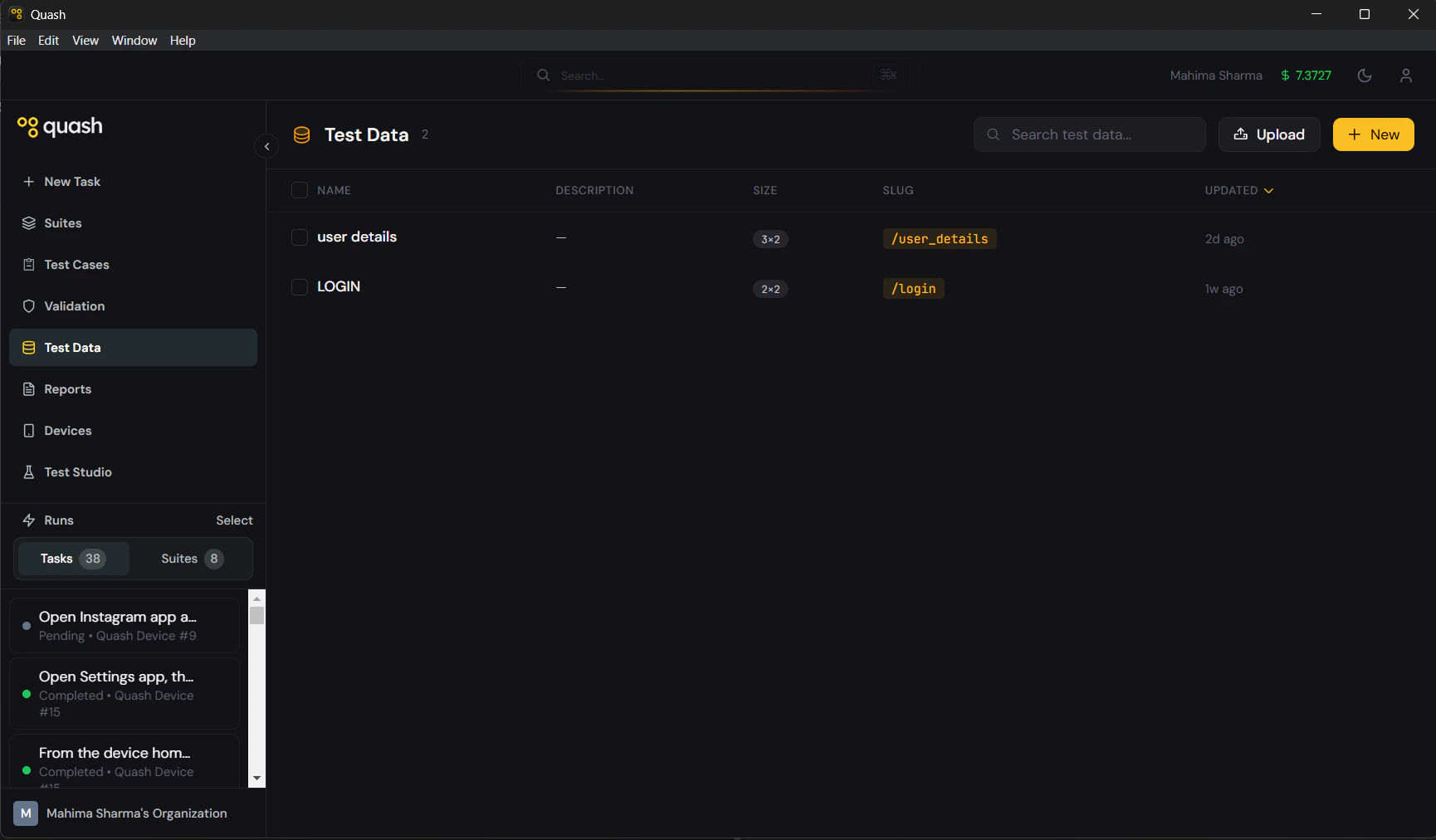
The problem Test Data solves
Without Test Data, running the same test with different inputs means writing separate tasks or test cases for each combination. Testing login with five different user accounts means five separate tasks. Testing search with ten different queries means ten prompts. This does not scale. Test Data solves it by separating the test logic from the test inputs. You write one task. You store the inputs in a dataset. Quash runs the task once for every row in the dataset — automatically, in sequence, without you writing anything extra. One prompt. Ten rows. Ten complete test runs.How it works
A dataset is a structured table — columns are input types, rows are input values. Every row is one complete set of inputs for a single run. Example — login credentials dataset:
Reference this dataset in a task prompt with
/login-credentials. Quash runs the full task four times — once per row — using the values in each row as the inputs for that run.
Where Test Data lives
Test Data has two access points in Quash: The main Test Data section (left navigation) — where you create, edit, manage, and organise all datasets across your workspace. The Test Data tab inside Apps — shows datasets linked to a specific app. Does not manage datasets directly — it is a shortcut to the datasets relevant to that app. All creation and editing happens in the main Test Data section.Prompting with Test Data
Prompting examples for datasets are now maintained in the central Prompting Fundamentals section so guidance is consistent with Tasks and Test Studio. Use Using Test Data in Prompts for/slug placement patterns, run behavior, and multi-dataset caveats.
Next steps
- Creating datasets — build a dataset manually or import from a file
- Using Test Data in Prompts — how to reference datasets in tasks and recipes
- Importing from file — bring in existing data from CSV or JSON