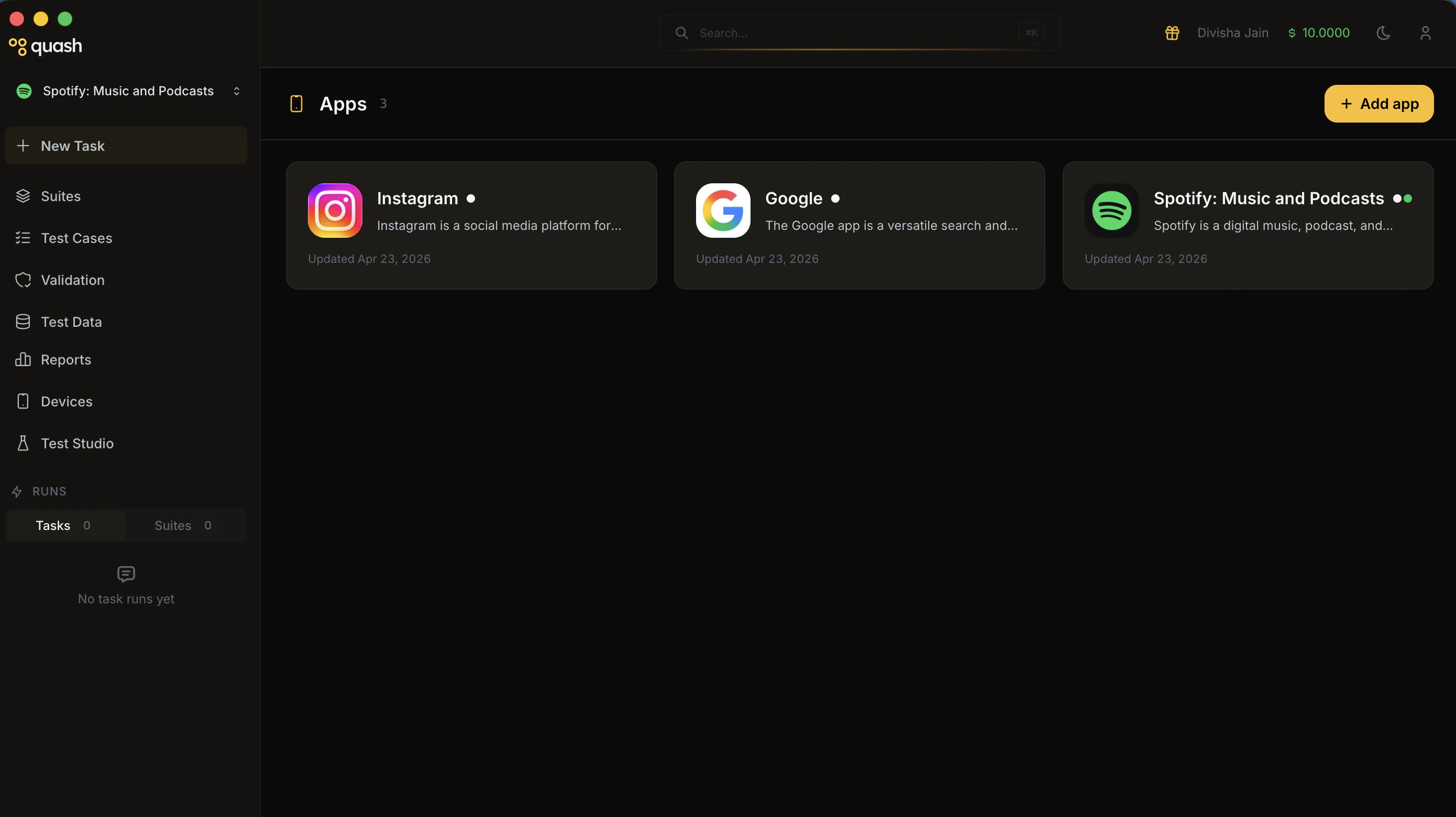
View your apps as cards in one dashboard, then drill into each app’s Overview, Builds, and Knowledge tabs.
Once added, your apps appear as cards in the Apps Manager dashboard. Each card shows the app name, icon, description, and the date it was last updated. Status indicators on each card show whether the app is active and whether a build is currently installed.Click any app card to open its detail page.
App Detail PageEach app has three tabs: Overview, Builds, and Knowledge.