Flutter Integration Testing: Complete Guide (2026)

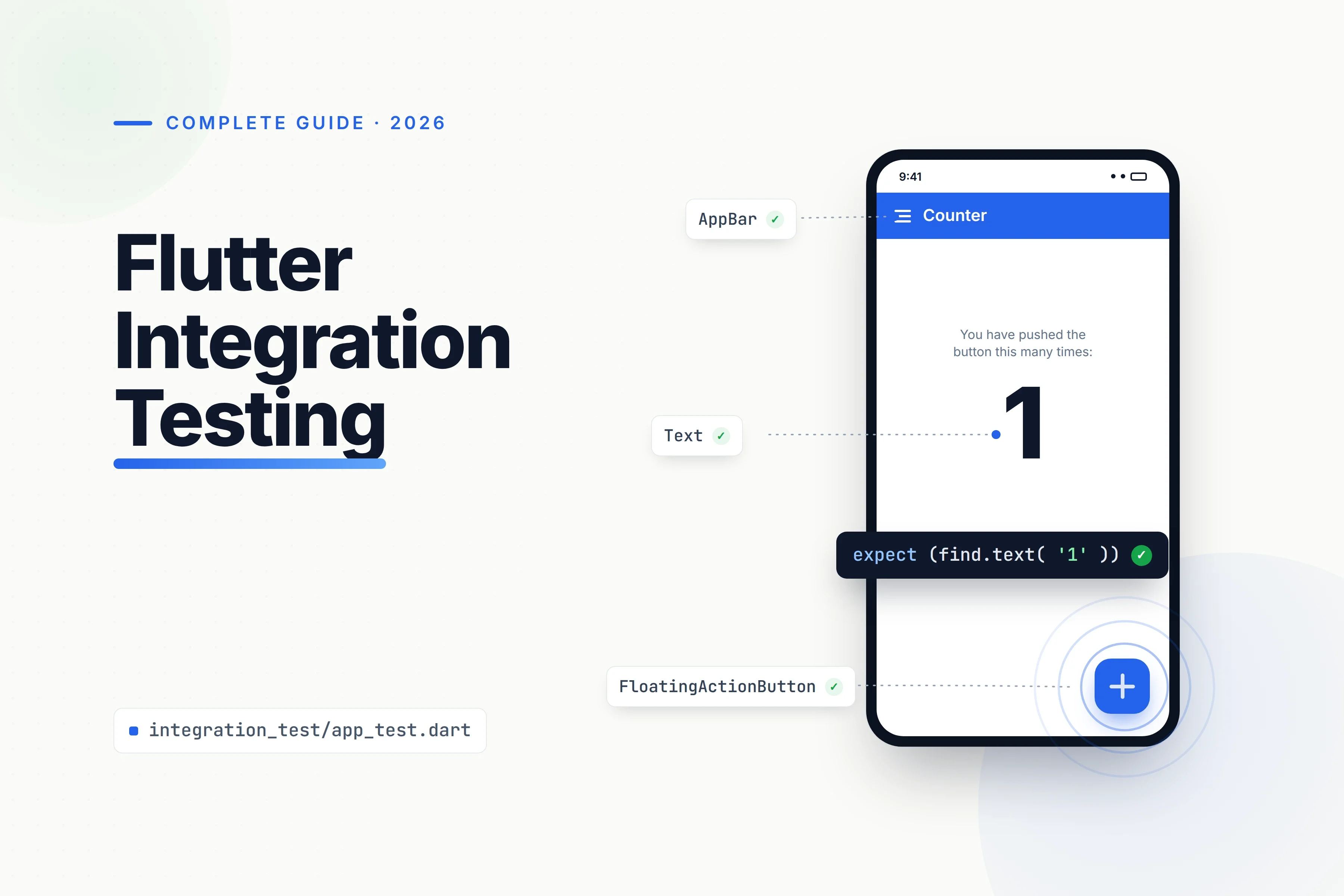
Flutter integration testing verifies that a complete app, or a large part of it, works correctly on a target platform. Flutter’s official integration_test package uses flutter_test APIs and can run on physical devices, emulators, simulators, browsers, and supported desktop targets.
Patrol extends this stack when tests need to interact with native platform interfaces. Quash provides a separate built-app QA layer for teams that want to describe mobile journeys in plain English and run them through real-device-cloud integrations.
Key takeaways
Integration tests check the complete app, or a substantial part of it, while unit and widget tests cover smaller pieces.
Flutter’s official integration-testing package is
integration_test.Run tests locally with
flutter test integration_test/app_test.dart.Patrol extends Flutter testing with access to permission dialogs, notifications, WebViews, and device settings.
Quash complements in-code Flutter tests with plain-English built-app journeys and integrations with 200+ real-device clouds.
Flutter has a large development ecosystem. In December 2024, Google reported more than 1 million monthly active Flutter developers and more than 10,000 publishers responsible for over 50,000 packages.

Get the Mobile Testing Playbook Used by 800+ QA Teams
Discover 50+ battle-tested strategies to catch critical bugs before production and ship 5-star apps faster.
What is Flutter integration testing?
A unit test checks one function, method, or class. It verifies a small unit of logic while external dependencies are usually mocked.
A widget test checks a single widget. It confirms that the widget renders and responds to interactions correctly inside Flutter’s test environment.
An integration test checks a complete application or a large part of one. It confirms that widgets, navigation, services, data operations, and platform behaviour work together correctly.
Flutter’s recommended approach is the official integration_test, which is included with the Flutter SDK. It uses familiar flutter_test APIs but runs the test against an application on a target platform.
Flutter also provides migration guidance for projects still using the older flutter_driver approach.
A well-tested Flutter application should contain many fast unit and widget tests, followed by enough integration tests to protect its most important user journeys. Integration tests provide the highest confidence, but they are slower and involve more dependencies and maintenance.
Widget testing vs integration testing vs E2E testing
The main differences are scope, execution environment, speed, and confidence.
Test type | What it tests | Runs on | Speed | Confidence | Best for |
Unit | One function, class, or unit of logic | Host test process without rendering the app UI | Fast | Low | Business logic and edge cases |
Widget | A widget’s UI, state, and interactions | Flutter’s test environment without launching the full target app | Fast | Higher | Components, states, layouts, and interactions |
Integration / E2E | The complete app or a large part, including widgets and services | Physical device, emulator, simulator, browser, or supported desktop target | Slow | Highest | Critical user journeys and cross-system flows |
Flutter’s documentation treats integration testing, end-to-end testing, and GUI testing as closely related terms.
In practice, an integration test can cover either the complete app or a substantial part of it. Flutter E2E testing usually describes a complete journey from an entry point to a meaningful outcome.
That framing aligns with complete guide to end-to-end testing when selecting Flutter test scope.
For example, testing the validation state of a sign-up form as one component is widget testing. Launching the app, creating an account, receiving data from a service, completing onboarding, and reaching the home screen is an integration or E2E flow.
How do you set up integration testing in Flutter?
This Flutter test tutorial uses the official integration_test package.
1. Add the test dependencies
Run:
flutter pub add "dev:integration_test:{sdk: flutter}"
Your pubspec.yaml should contain:
dev_dependencies:flutter_test:sdk: flutterintegration_test:sdk: flutter
Both packages are development dependencies because they are used for testing rather than application functionality.
2. Create the integration-test directory
Create a top-level integration_test directory beside lib:
your_app/lib/main.dartintegration_test/app_test.dart
Flutter discovers and runs tests from this directory.
3. Initialise the integration-test binding
Initialise the binding before defining your tests:
IntegrationTestWidgetsFlutterBinding.ensureInitialized();
This prepares the environment required to execute Flutter test interactions against the target application.
4. Write the test
Use testWidgets, WidgetTester, finders, interactions, and assertions in the same way you would inside a widget test.
The difference is that the test runs against the complete target application rather than one isolated component.
5. Run the test
Run one test file:
flutter test integration_test/app_test.dart
Or run the entire directory:
flutter test integration_test
Flutter builds and launches the application on the selected connected device, emulator, simulator, or desktop target.
A sample Flutter integration test
The following example launches a counter app, verifies its initial value, taps a floating action button, and confirms that the value changes.
import 'package:flutter/material.dart';import 'package:flutter_test/flutter_test.dart';import 'package:integration_test/integration_test.dart';import 'package:your_app/main.dart';void main() {IntegrationTestWidgetsFlutterBinding.ensureInitialized();group('end-to-end test', () {testWidgets('tap on the floating action button, verify counter',(tester) async {await tester.pumpWidget(const MyApp());expect(find.text('0'), findsOneWidget);final fab = find.byKey(const ValueKey('increment'));await tester.tap(fab);await tester.pumpAndSettle();expect(find.text('1'), findsOneWidget);},);});}
Replace your_app with the package name declared in your project’s pubspec.yaml.
IntegrationTestWidgetsFlutterBinding.ensureInitialized() prepares the integration-test environment.
tester.pumpWidget() loads the application’s root widget. The test then uses find.text() and find.byKey() to locate interface elements.
tester.tap() simulates the user interaction, while expect() verifies the visible result.
Use stable keys for controls that tests must locate consistently:
FloatingActionButton(key: const ValueKey('increment'),onPressed: incrementCounter,child: const Icon(Icons.add),)
Keys make important controls easier to identify without forcing assertions to depend on the complete internal widget structure.
Be careful with pumpAndSettle()
Use pumpAndSettle() when the interface is expected to reach a settled state. It repeatedly pumps frames until Flutter no longer has scheduled frames.
Do not use it as the default solution for every timing problem. An infinite animation can cause it to time out, while broad settling can hide unexpected additional frames.
For deterministic animations, prefer targeted pump() calls with explicit durations:
await tester.pump(const Duration(milliseconds: 300));
This makes the timing assumption visible and helps expose animation regressions. See How Animations Impact Mobile App Testing for more detail on animation-related testing problems.
How do you run Flutter integration tests on real devices?
For Android, iOS, and supported desktop targets, connect the device or launch the required emulator or simulator.
Then run:
flutter test integration_test/app_test.dart
Flutter builds the application, launches it on the selected platform, executes the test, and returns the result through the command line.
Running Flutter web integration tests
Web execution requires ChromeDriver.
Install a compatible stable ChromeDriver:
npx @puppeteer/browsers install chromedriver@stable
Run the installed binary directly or add it to your system path, then start it:
chromedriver --port=4444
Create test_driver/integration_test.dart:
import 'package:integration_test/integration_test_driver.dart';
Future<void> main() => integrationDriver();
Run the test:
flutter drive \--driver=test_driver/integration_test.dart \--target=integration_test/app_test.dart \-d chrome
Running tests in Firebase Test Lab
Firebase Test Lab runs Flutter integration tests across hosted physical and virtual devices.
For Android, integration tests are packaged and run as instrumentation tests. For iOS, the tests are packaged as XCTests.
The main limitation is reporting granularity. Firebase states that individual test-case timing information is unavailable for Flutter tests, so per-case durations and videos may not behave as expected.
BrowserStack, TestMu AI, and AWS Device Farm are other infrastructure options. The right choice depends on the required devices, operating-system versions, concurrency, network controls, and reporting.
Flutter integration testing tools in 2026
For a side-by-side view of adjacent options, best Flutter testing tools helps distinguish framework-level integration workflows from the wider testing stack.
integration_test
integration_test is Flutter’s official in-code testing package.
It gives developers direct access to Dart, Flutter APIs, widgets, and application state. It is suitable when tests should live inside the codebase and developers want full control over setup, interactions, and assertions.
Its main limitation is native platform UI. It does not directly automate operating-system interfaces such as permission dialogs and notifications.
Patrol
Patrol is an open-source E2E UI testing framework created by LeanCode.
It builds on flutter_test and integration_test, then adds native-platform interaction from Dart test code.
Patrol can interact with:
Permission dialogs
Notifications
WebViews
Device settings
Wi-Fi controls
Native platform screens
It also provides custom finders, Hot Restart, a DevTools extension, test isolation, sharding, and device-farm compatibility.
Patrol currently supports Android, iOS, macOS, and web. It still requires teams to write and maintain Dart test code, along with additional setup through patrol_cli.
Firebase Test Lab
Firebase Test Lab is device infrastructure rather than an authoring framework.
It runs integration tests that your team has already written across hosted device configurations. Use it when access to different device and operating-system combinations is the main requirement.
It does not replace integration_test or Patrol.
Quash
Quash is an AI-native black-box mobile QA platform.
It works against the built mobile application rather than living inside the Flutter codebase. This means it complements integration_test and Patrol instead of replacing them.
Teams can describe journeys in plain English, execute them through CI/CD, and allow Quash to adapt or rewrite affected steps when interface details change.
Quash integrates with 200+ real-device clouds.
Tool | Type | Best at | Trade-off |
| Official in-code Flutter framework | Dart-based control, Flutter APIs, and white-box testing | Cannot directly automate native platform UI; scripts require maintenance |
Patrol | Open-source extension of Flutter testing | Native interactions, custom finders, test isolation, sharding, and device farms | Still code-based and requires additional setup |
Firebase Test Lab | Cloud device infrastructure | Running existing tests across hosted device configurations | Does not author tests and has limited per-case timing for Flutter |
Quash | AI-native black-box mobile QA platform | Plain-English built-app journeys, adaptive step maintenance, CI execution, and device-cloud integrations | Not an in-code Flutter framework and provides less white-box control |
Choose integration_test or Patrol when tests should live inside the Dart repository, developers need direct control over application state, and the team is comfortable maintaining test code.
Choose Quash when QA, product, or engineering teams want to define built-app journeys in plain English, execute broader regression coverage, and run through real-device-cloud integrations without maintaining every flow as Dart automation.
These tools operate at different layers of the testing workflow. Patrol is a strong choice for coded Flutter automation involving native platform controls. Quash is better suited to release-facing QA around the compiled mobile application.
Flutter integration testing best practices
Reset application and backend state before each test. Tests should not inherit authentication, records, or feature state from earlier runs.
Use deterministic data. Create dedicated test accounts, controlled backend fixtures, and repeatable seed data.
Keep tests independent. One test should never depend on another test’s output.
Test user outcomes. Assert what the user can see or complete rather than checking private implementation details.
Use stable finders. Keys help identify important controls, but avoid coupling every assertion to the internal widget tree.
Separate smoke tests from full regression. Run a small set of critical journeys on pull requests or builds. Run broader device and OS matrices nightly or before release when runtime and device-cloud cost make every-build execution impractical.
Maintain a balanced test suite. Use many unit and widget tests, followed by enough integration tests to protect critical journeys.
FAQ: Flutter integration testing
What is the difference between widget testing and integration testing in Flutter?
Widget tests verify one widget inside Flutter’s test environment without launching the complete target application. Integration tests execute the full app, or a substantial part of it, on a target platform to confirm that widgets, navigation, services, and dependencies work together.
Use many widget tests for individual components and fewer integration tests for critical journeys.
How do I run Flutter integration tests?
Add integration_test and flutter_test as development dependencies, place the test file inside the top-level integration_test directory, and run:
flutter test integration_test/app_test.dart
For web testing, install and start ChromeDriver, create an integration-test driver file, and run the test with flutter drive.
Is Patrol better than Flutter’s integration_test?
Patrol is an extension, not a direct replacement.
Use Patrol when a test must interact with permission dialogs, notifications, WebViews, device settings, or other native platform interfaces. For straightforward in-app flows where Flutter widget APIs provide enough control, the official integration_test package may be sufficient.
Can I run Flutter integration tests on real devices?
Yes. Tests can run locally on connected Android or iOS devices or through cloud infrastructure such as Firebase Test Lab, BrowserStack, TestMu AI, and AWS Device Farm.
Quash provides a separate built-app approach for plain-English mobile journeys and integrates with 200+ real-device clouds.
What is the difference between integration testing and E2E testing in Flutter?
Flutter treats integration, E2E, and GUI testing as closely related terms.
An integration test can cover the complete app or a large part of it. E2E usually refers to a complete journey from entry to outcome. An integration test that drives the application through a finished journey effectively serves as an E2E test.
Do integration tests replace unit and widget tests?
No.
Flutter recommends maintaining many fast unit and widget tests, followed by enough integration tests to cover important use cases.
Integration tests provide greater confidence but run more slowly, depend on more systems, and require more maintenance. Reserve them for journeys that would block a release if they failed.
Final thoughts
Flutter integration testing protects the journeys that depend on multiple widgets, services, and platform behaviours working together.
Start with the official integration_test package. Add Patrol when native platform interactions are part of the flow. Move execution to real-device infrastructure when the release matrix grows beyond the devices available locally.
Keep the suite focused. Unit and widget tests should cover most logic and component behaviour, while integration tests protect the outcomes that matter most to users.
When maintaining Dart automation becomes the bottleneck, Quash adds a plain-English QA layer around the built app, adapts affected steps as flows change, and integrates with 200+ real-device clouds. Explore Quash Automate.
Continue reading
More articles from the Quash editorial desk.