Mobile app test automation that runs real user flows, no scripts
Mobile app test automation that runs real user flows, no scripts
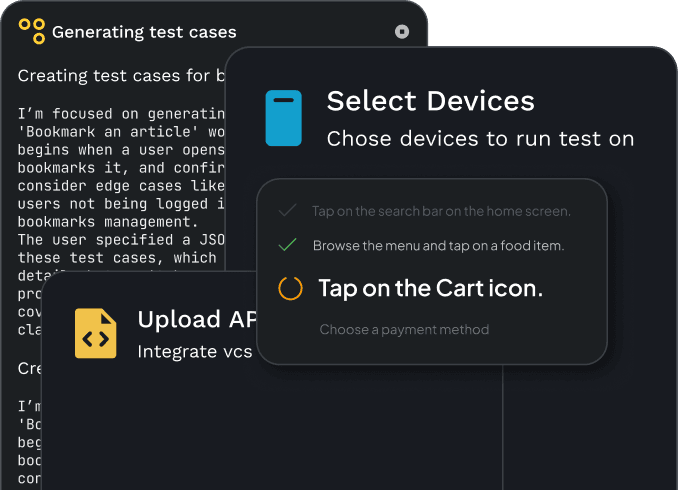
Run automated testing on real Android and iOS devices and in the browser, from plain-language steps. No scripts, no setup, nothing to install.
Run automated testing on real Android and iOS devices and in the browser, from plain-language steps. No scripts, no setup, nothing to install.
Mobile app test automation, built for real user flows
Quash handles automated testing from plain-language test steps and validates full user journeys on Android, iOS and the web. Your team gets consistent automated test execution with visibility into what passed, what failed, and why.
Scriptless automation testing tools, no Appium setup
Your team writes test intent in plain language, then Quash executes each step on real Android and iOS devices, or in the browser. The agent understands app context, screen transitions, waits, and validations, so no-code test automation stays reliable even when UI details change.
Automated mobile testing on real Android and iOS devices
Every run returns device-level evidence, pass and fail breakdowns, and execution insights your QA team can act on quickly. Scale real device testing across local devices or cloud farms and keep mobile app qa testing fast every release.
Simple steps, confident runs
Simple steps, confident runs

Write what the test should prove
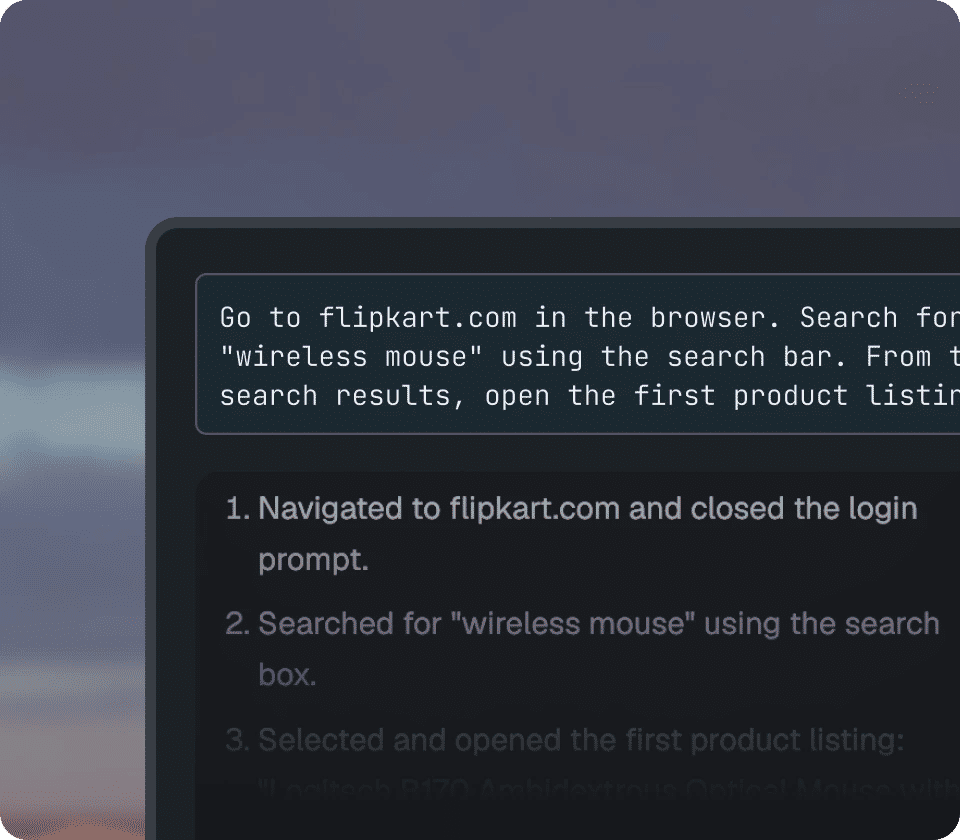
Describe the flow in plain language, and Quash turns it into actions as it runs. No scripts, selectors or setup needed. Anyone who understands the flow can run a test.
Write what the test should prove
Describe the flow in plain language, and Quash turns it into actions as it runs. No scripts, selectors or setup needed. Anyone who understands the flow can run a test.

It reads the screen and keeps going
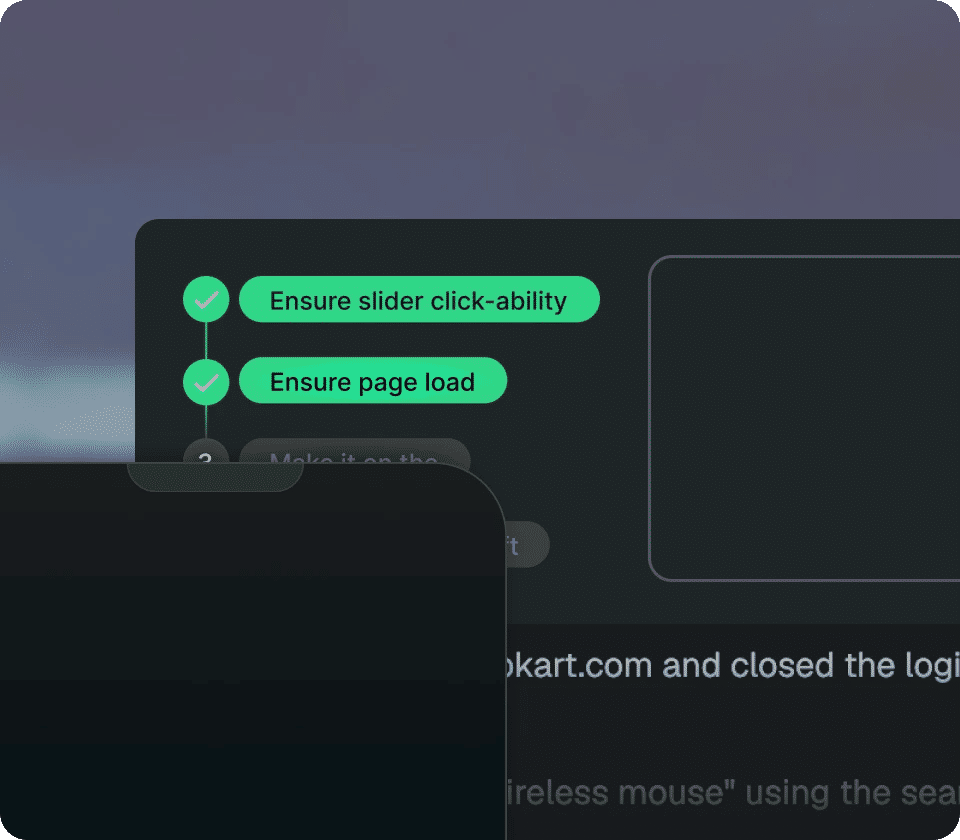
The agent reads the screen and decides each step as it runs. It adapts to changing buttons, labels and layouts without breaking the flow, while carrying your logins and test data through.
It reads the screen and keeps going
The agent reads the screen and decides each step as it runs. It adapts to changing buttons, labels and layouts without breaking the flow, while carrying your logins and test data through.

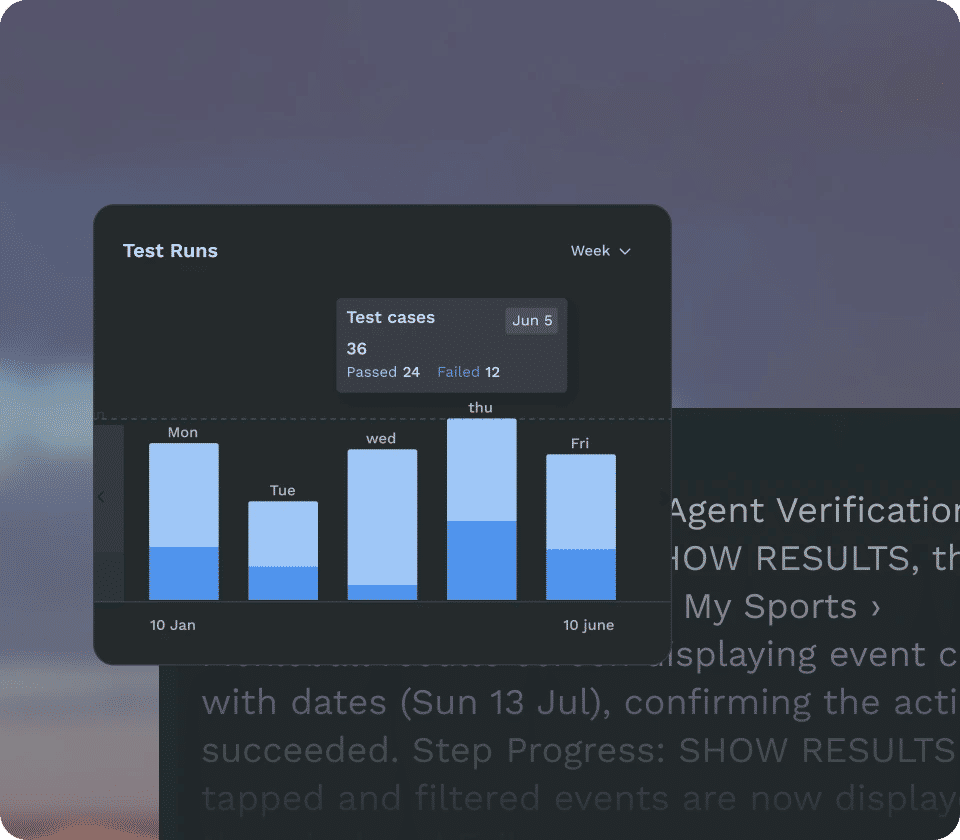
Evidence at every step. Control when you need it.
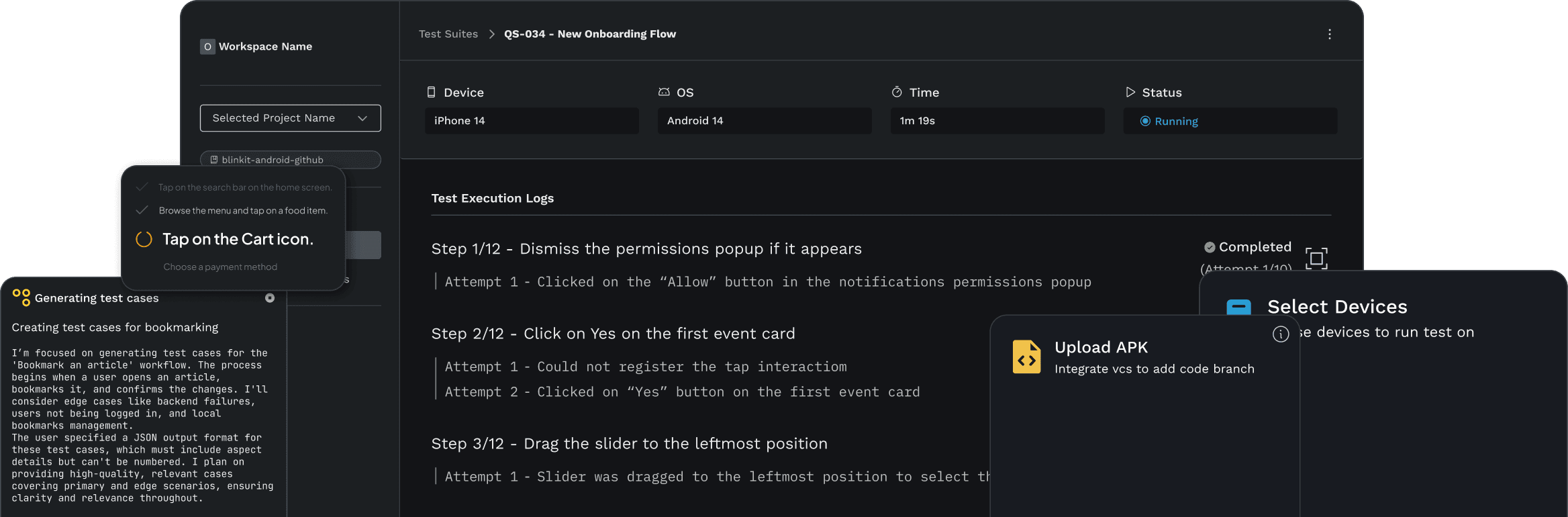
Every run captures screenshots, recordings, and console and network errors, so you know what happened and what broke. Review the evidence or take manual control of the device whenever needed.
Evidence at every step. Control when you need it.
Every run captures screenshots, recordings, and console and network errors, so you know what happened and what broke. Review the evidence or take manual control of the device whenever needed.
Human-AI collaboration
Human-AI collaboration
Stop watching every run just to keep it moving
The agent handles screen changes, waits and transitions as it runs, so your team is not constantly pulled back into keeping the test alive.
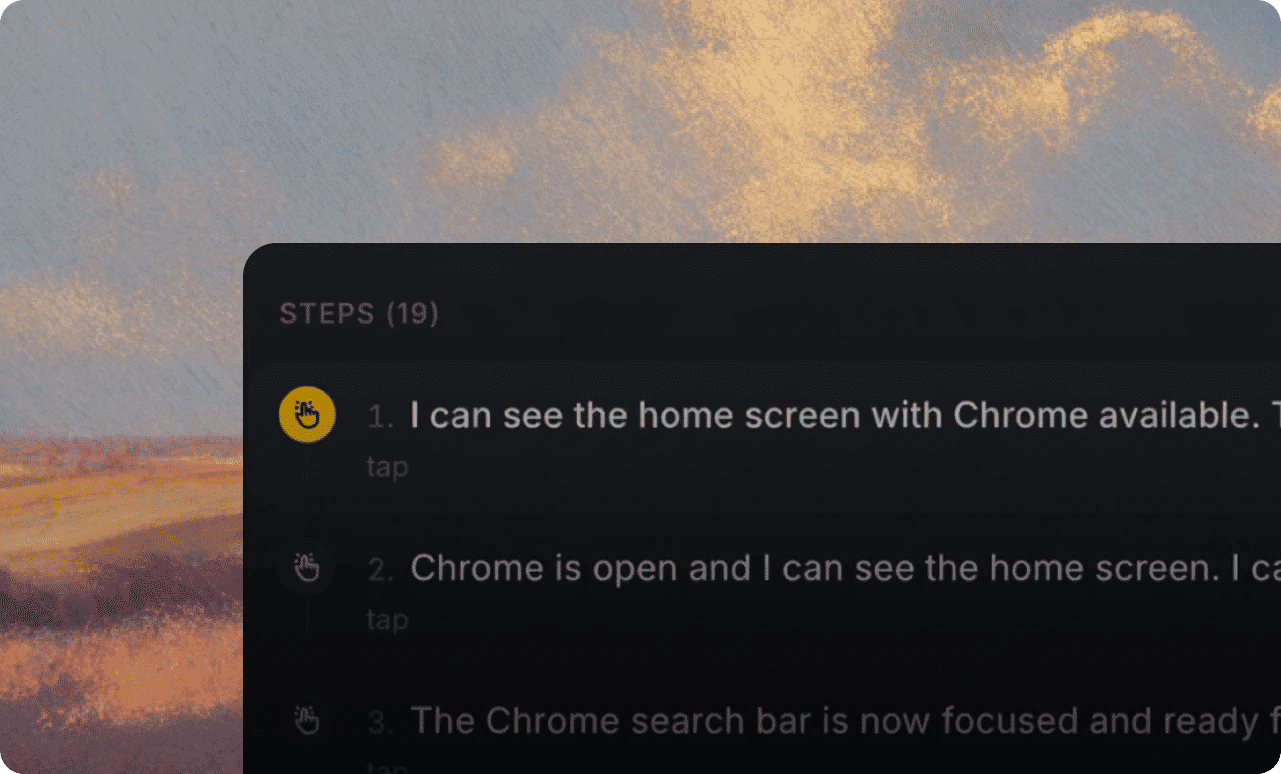
Know what broke without chasing it down
Every failure comes back with the evidence your team needs to understand what happened.
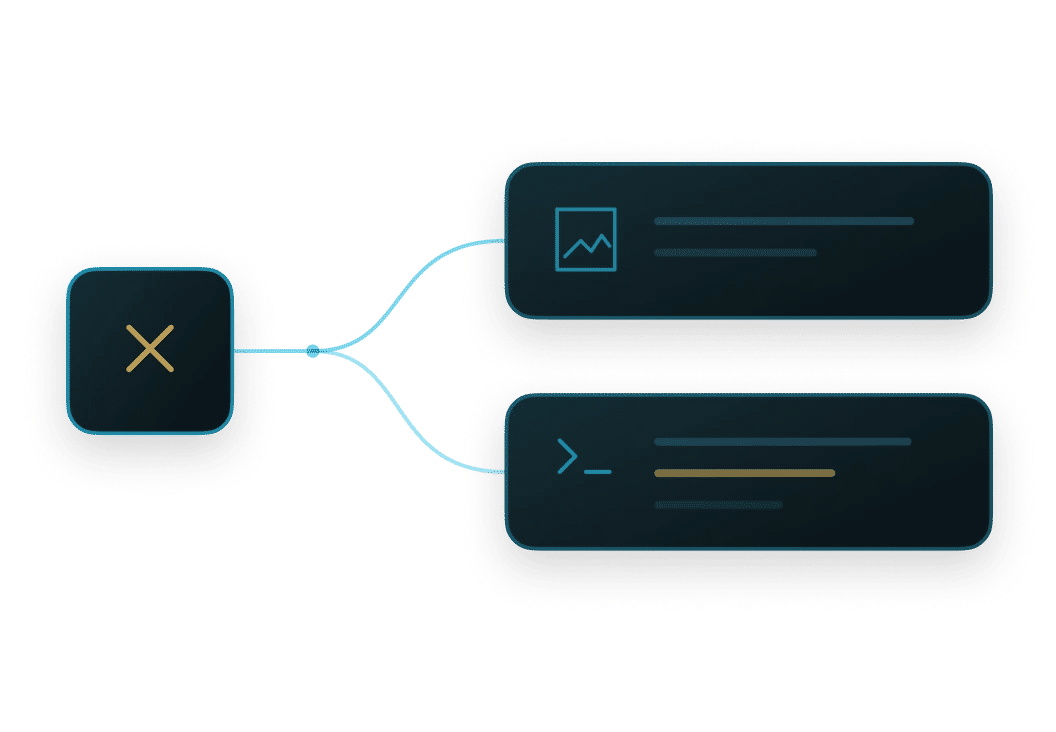
Ship without slowing down
Run the flows that matter before release and get the confidence to move without adding another manual checkpoint.
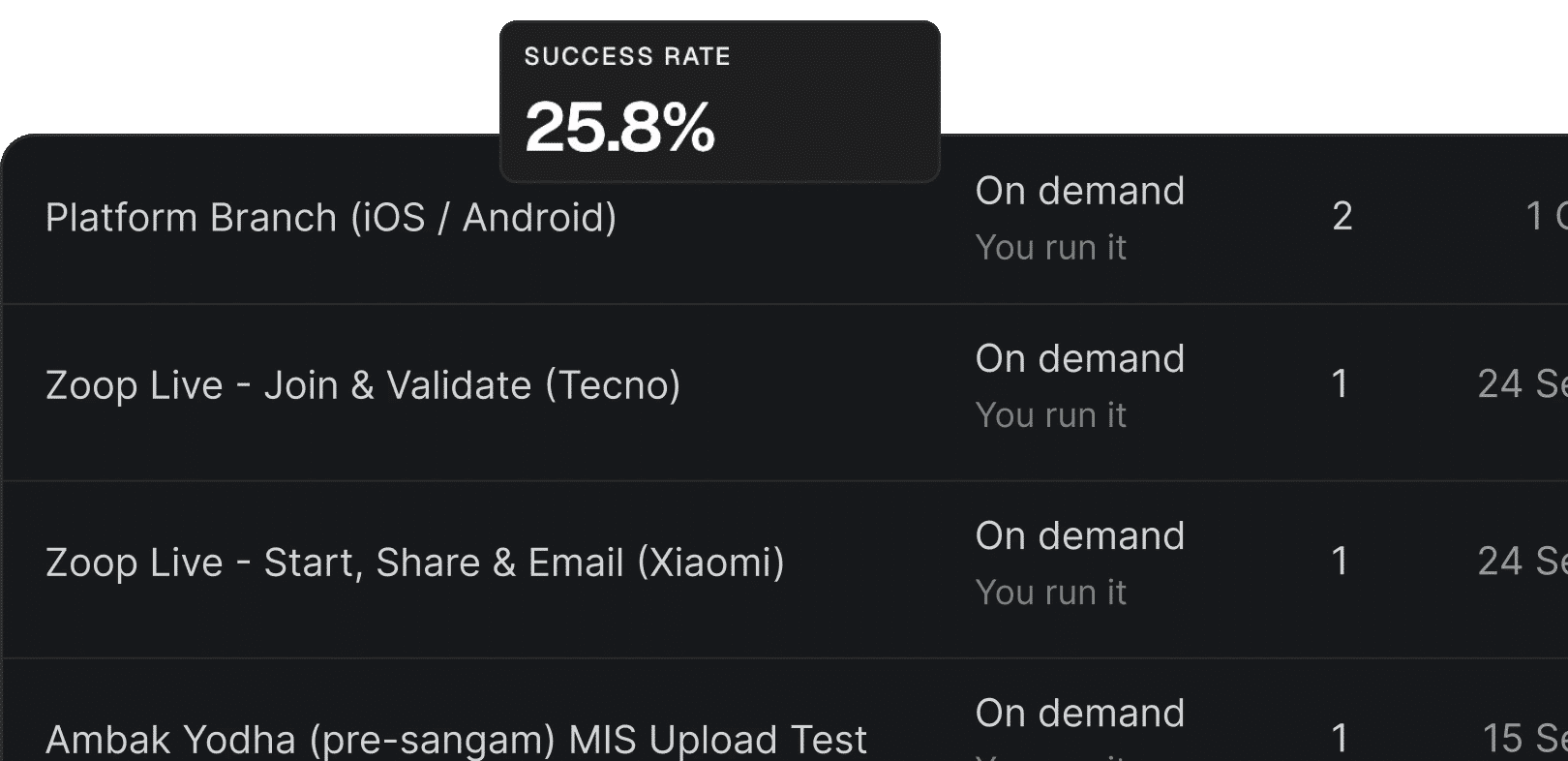
Everything you need is here
Everything you need is here
Real devices and real browsers
Run on Android, iOS and the browser, using the cloud fleet Quash runs for you or your own connected devices.
Automatic device assignment
The agent picks an available device for the run, so nobody on your team is managing device availability by hand.
Evidence from every run
Screenshots, a recording from the device, console errors and network errors come back with the execution, ready to inspect or export.
Take manual control mid run
Step into a live run, drive the device yourself, then hand it back when you are ready.
Local execution for locked data
Run on machines you control when your app or your test data cannot leave your network. Same console, same reports.
Editable cases with version history
Change a step or reorder the flow and the next run uses the new version. Previous versions stay intact.
Real devices and real browsers
Run on Android, iOS and the browser, using the cloud fleet Quash runs for you or your own connected devices.
Automatic device assignment
The agent picks an available device for the run, so nobody on your team is managing device availability by hand.
Evidence from every run
Screenshots, a recording from the device, console errors and network errors come back with the execution, ready to inspect or export.
Take manual control mid run
Step into a live run, drive the device yourself, then hand it back when you are ready.
Local execution for locked data
Run on machines you control when your app or your test data cannot leave your network. Same console, same reports.
Editable cases with version history
Change a step or reorder the flow and the next run uses the new version. Previous versions stay intact.

One platform, three jobs
One platform, three jobs


Don't just take our word for it
Don't just take our word for it
Here's what people are saying about Quash













Satyam Rinayat
Symplr
As a developer, working with Quash was an amazing experience.


Arpit Kumar
Aatmunn
I was curious if Quash could select files or open the camera - something not possible with tools like Appium. When I ran the prompt, it actually did it! The ChatGPT-like UI where you just prompt and watch it execute is a standout feature.


Rohan Deora
Amazon
I tried sending an email with Quash using just 'Open Gmail and send an email to this id'. I didn't mention what to click - it used its intelligence for the entire flow. The UI is super friendly and it navigates like an actual user.

Satyam Rinayat
Symplr
As a developer, working with Quash was an amazing experience.
Arpit Kumar
Aatmunn
I was curious if Quash could select files or open the camera - something not possible with tools like Appium. When I ran the prompt, it actually did it! The ChatGPT-like UI where you just prompt and watch it execute is a standout feature.
Rohan Deora
Amazon
I tried sending an email with Quash using just 'Open Gmail and send an email to this id'. I didn't mention what to click - it used its intelligence for the entire flow. The UI is super friendly and it navigates like an actual user.
Need more info?
Need more info?


Your trust is our priority
Your trust is our priority
We blend AI-driven automation with stringent compliance measures, ensuring your data's confidentiality and security.



Ship faster with mobile app test automation and automated test execution. No scripts, nothing to install.
Ship faster with mobile app test automation and automated test execution. No scripts, nothing to install.