> ## Documentation Index
> Fetch the complete documentation index at: https://quashbugs.com/docs/llms.txt
> Use this file to discover all available pages before exploring further.
# Sharing and Downloading Reports
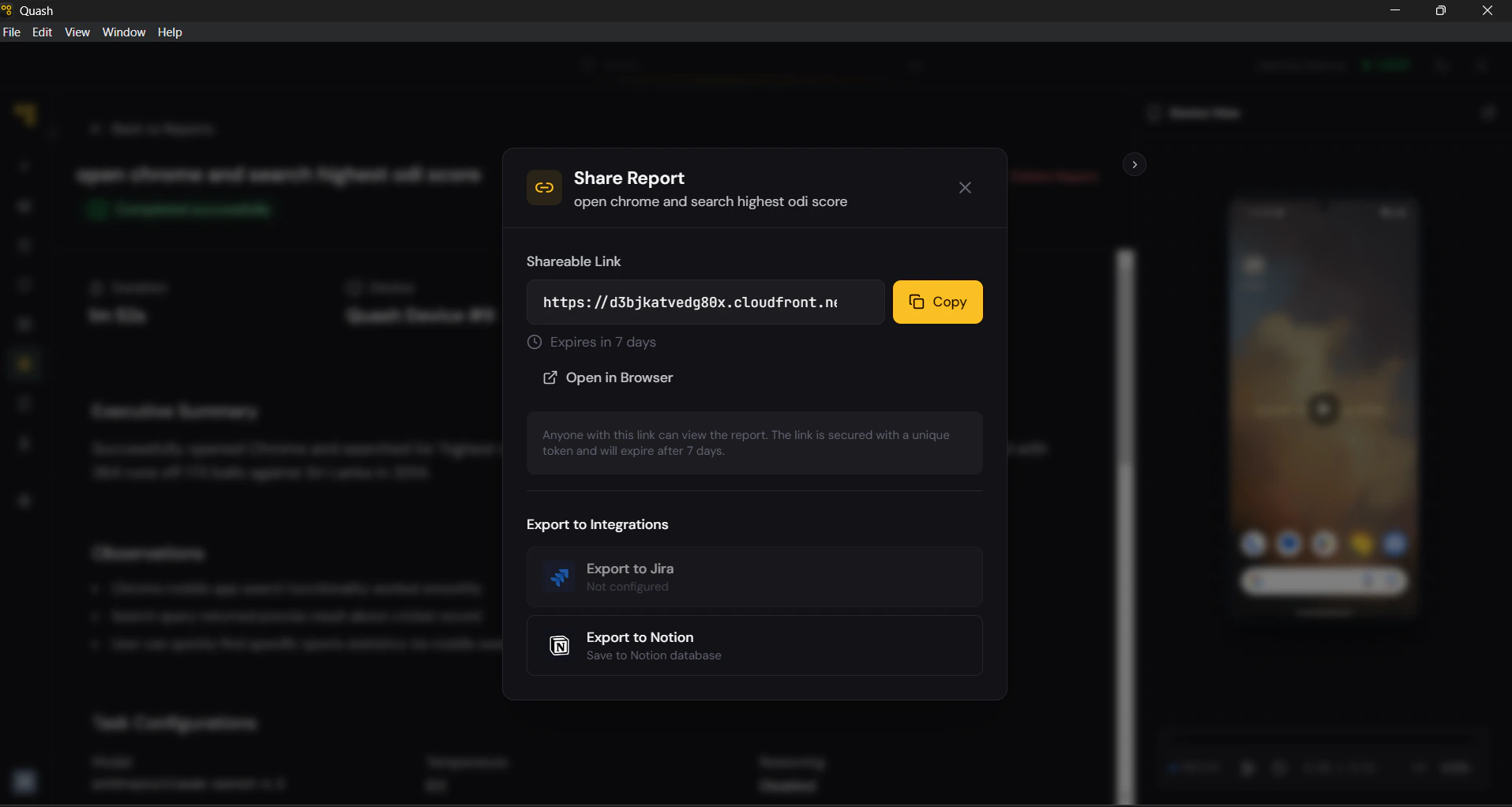 * **Share** — Generates a shareable link to the report. Anyone with the link can view the full report without needing to log in to Quash.
* **Web View** — View the report directly in the browser with full step-by-step context and device visuals.
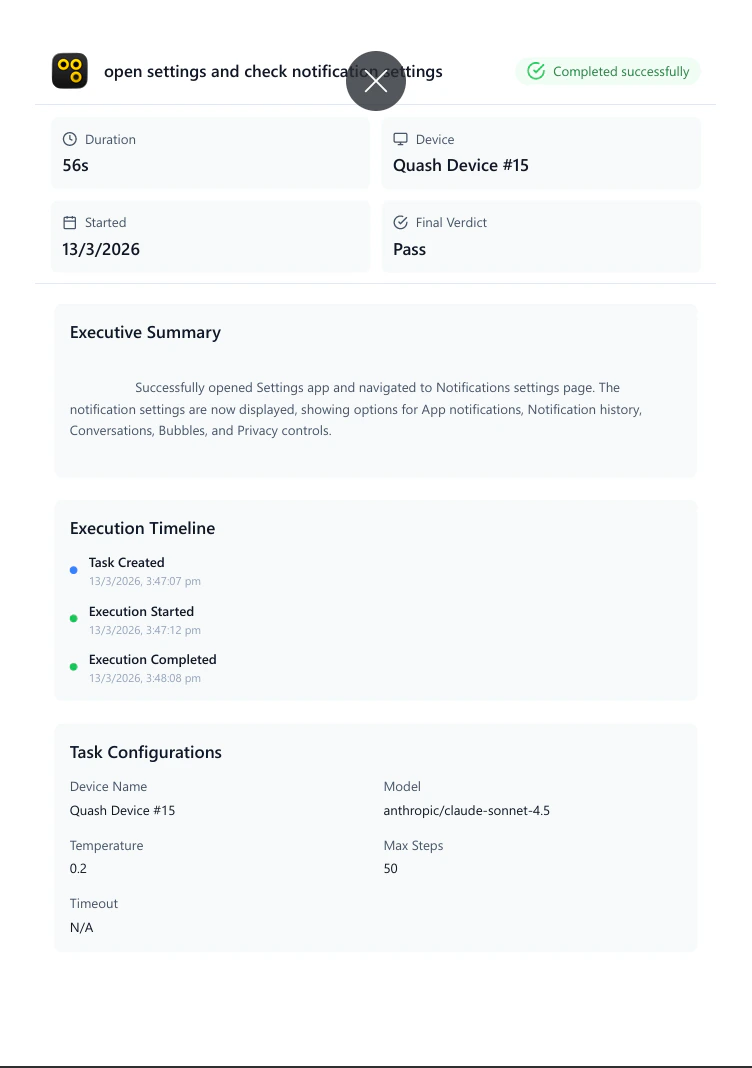
* **Download PDF** — Exports the complete report as a PDF, including the executive summary, observations, task configurations, execution timeline, and full step-by-step breakdown with screenshots.
* **Share** — Generates a shareable link to the report. Anyone with the link can view the full report without needing to log in to Quash.
* **Web View** — View the report directly in the browser with full step-by-step context and device visuals.
* **Download PDF** — Exports the complete report as a PDF, including the executive summary, observations, task configurations, execution timeline, and full step-by-step breakdown with screenshots.
 * **Delete Report** — Permanently removes the report from your workspace. This action cannot be undone.
> 💡 **Partial Success** almost always means Quash encountered something it couldn't interact with — a CAPTCHA, a loading screen that timed out, or a modal it wasn't instructed to handle. Check Observations first, then look at the screenshot at the point of failure.
* **Delete Report** — Permanently removes the report from your workspace. This action cannot be undone.
> 💡 **Partial Success** almost always means Quash encountered something it couldn't interact with — a CAPTCHA, a loading screen that timed out, or a modal it wasn't instructed to handle. Check Observations first, then look at the screenshot at the point of failure.